Desktop, web and command line. All in Objo Studio.
Design interfaces, write code, debug and ship from one development environment. Build desktop and command line apps for macOS, Windows and Linux, or responsive web apps with browser interfaces and server-side Objo code.
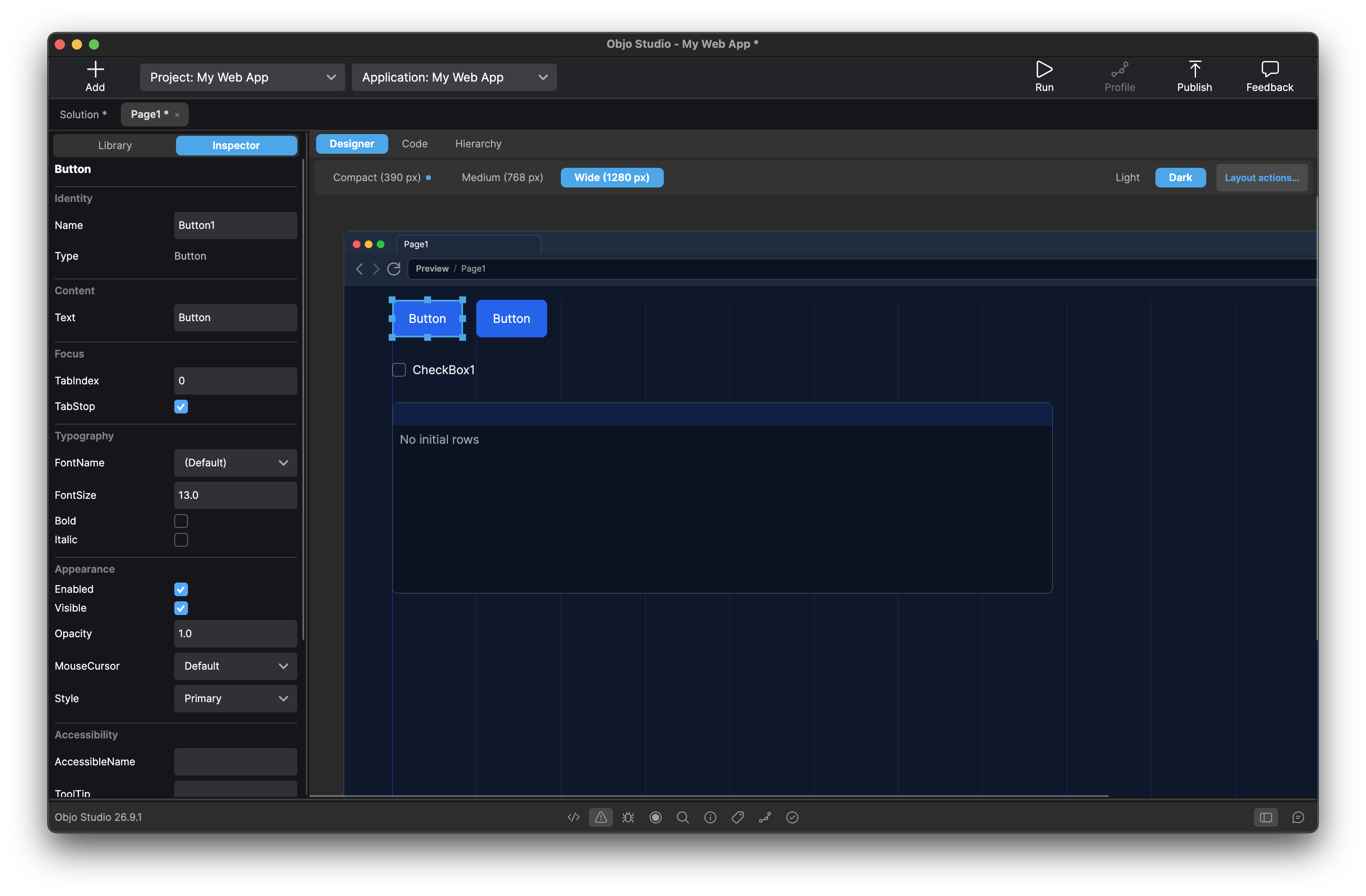
Rich, Responsive Web Apps
Design web pages at Compact, Medium and Wide breakpoints. Build forms with validation, searchable lists, database-backed tables and interactive charts. Run your app in the browser and debug server-side events in Studio. Web projects use built-in controls and Objo code; no HTML, CSS or JavaScript is needed.
Explore the Web target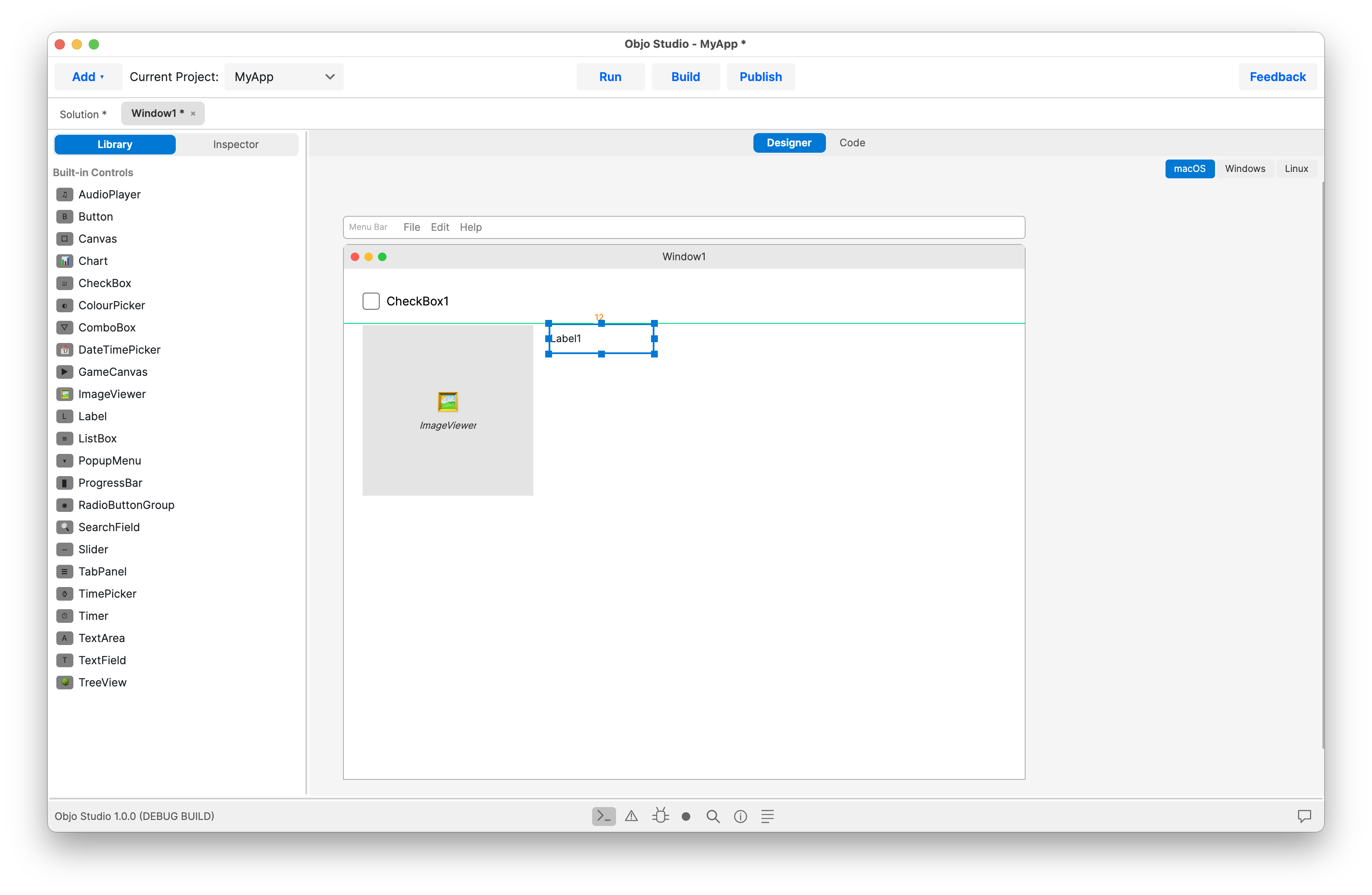
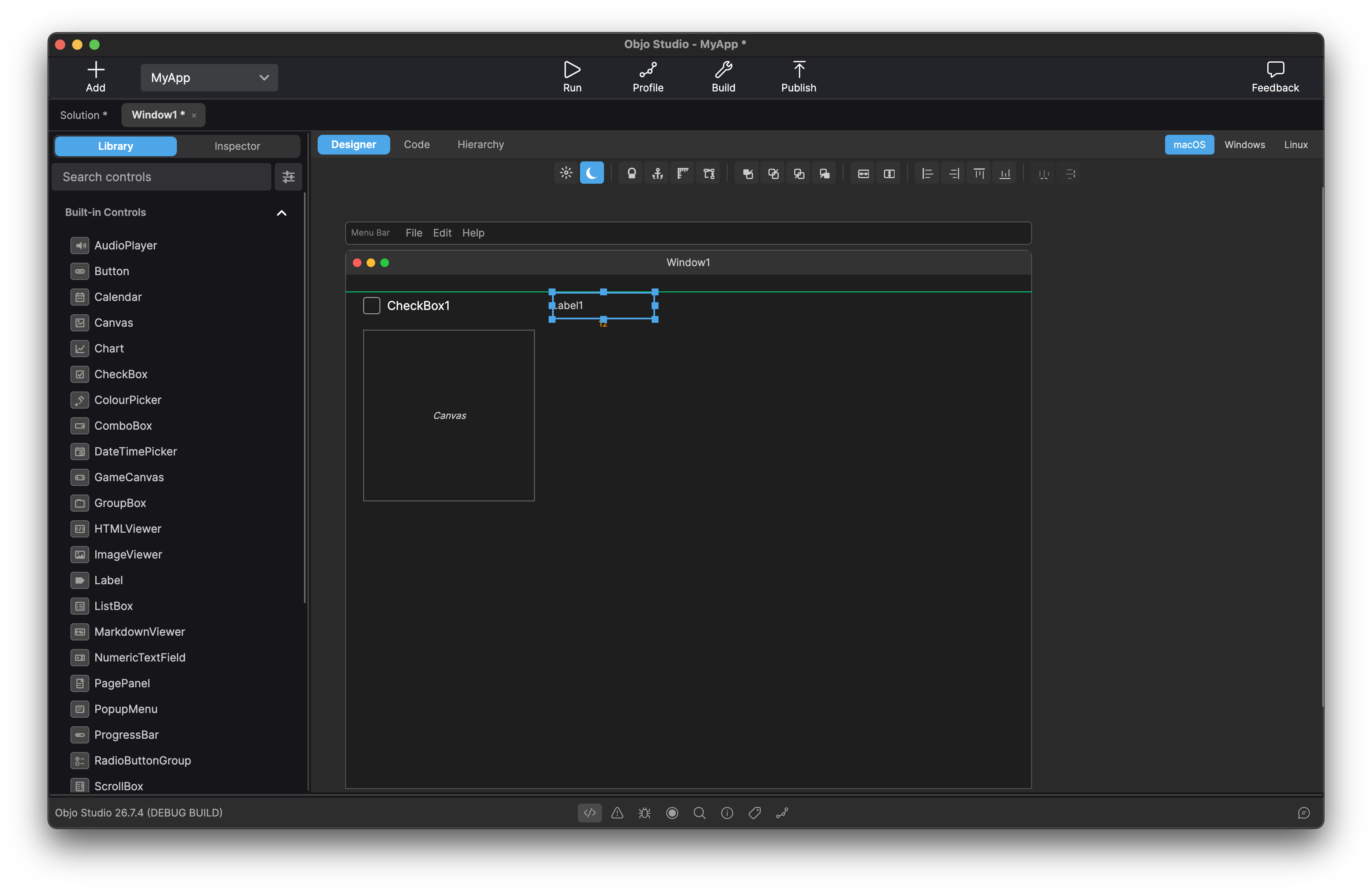
Desktop Visual Designer
Design your user interface by dragging and dropping from a comprehensive library of built-in controls such as buttons, text fields, list boxes, tree views, tab panels, charts, date pickers, colour pickers and more. Set properties in the inspector and see changes instantly. Anchor controls to window edges so your layout resizes gracefully. Drop non-visual components like AudioPlayer onto the shelf and wire them up in code. What you see in the designer is what your users get.
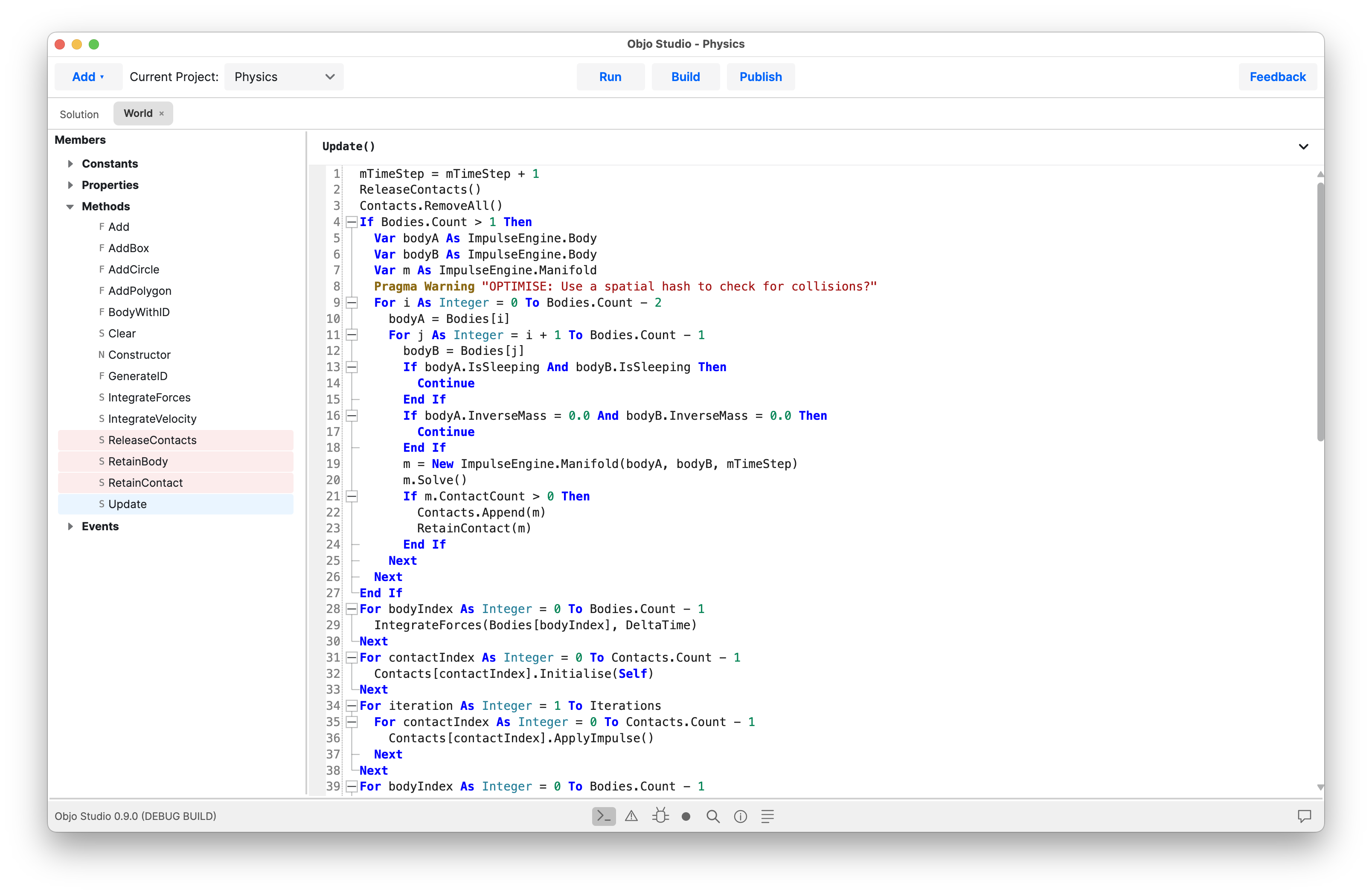
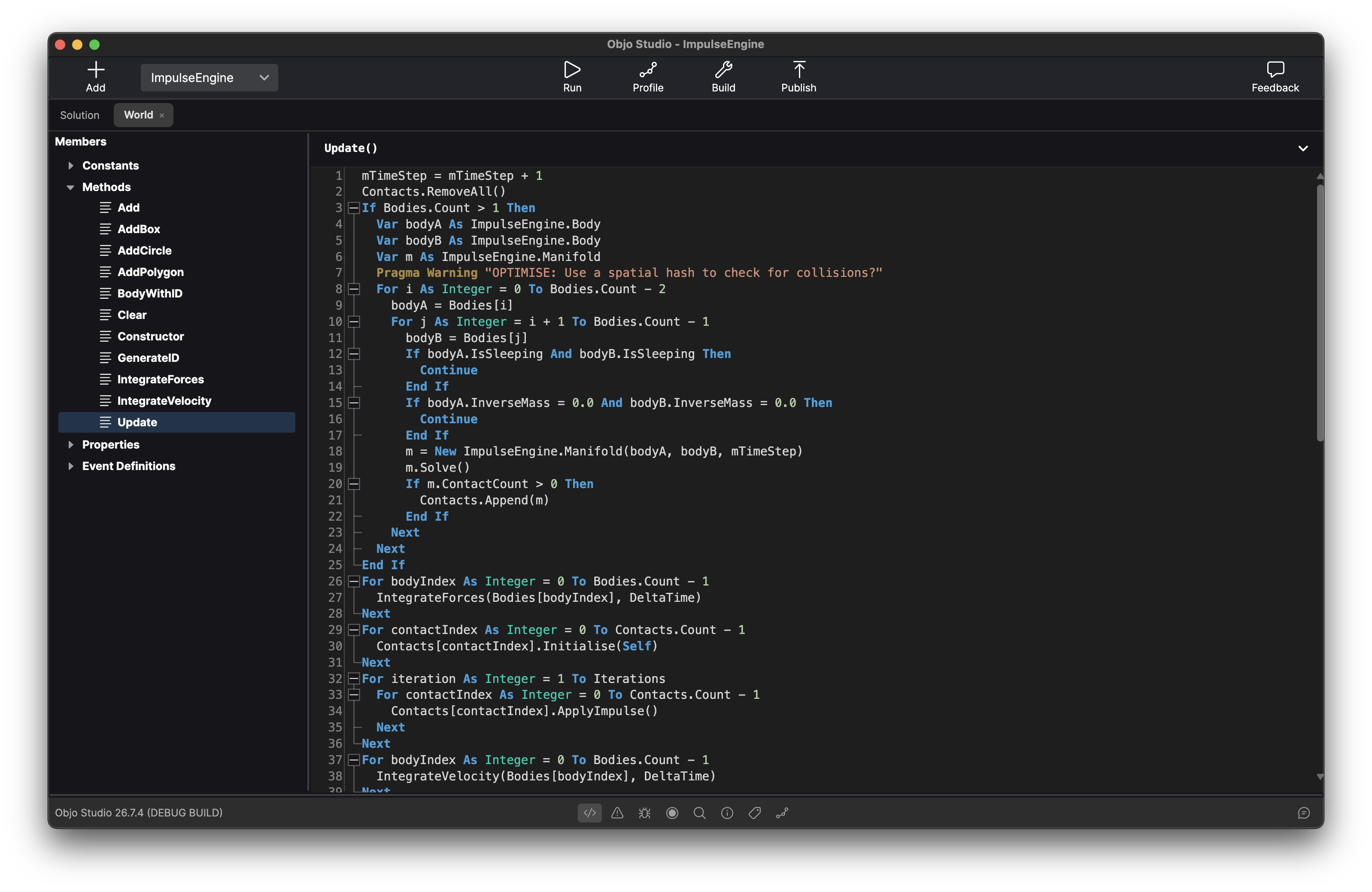
Intelligent Code Editor
An editor purpose-built for Objo. Autocomplete suggests members as you type, with full parameter hints. Jump to any symbol definition instantly. Code folding keeps large methods manageable. The auto-formatter tidies spacing and keyword casing as you work, so your code stays consistent without thinking about it. Switch between light and dark themes, and customise every syntax colour to suit your preferences.
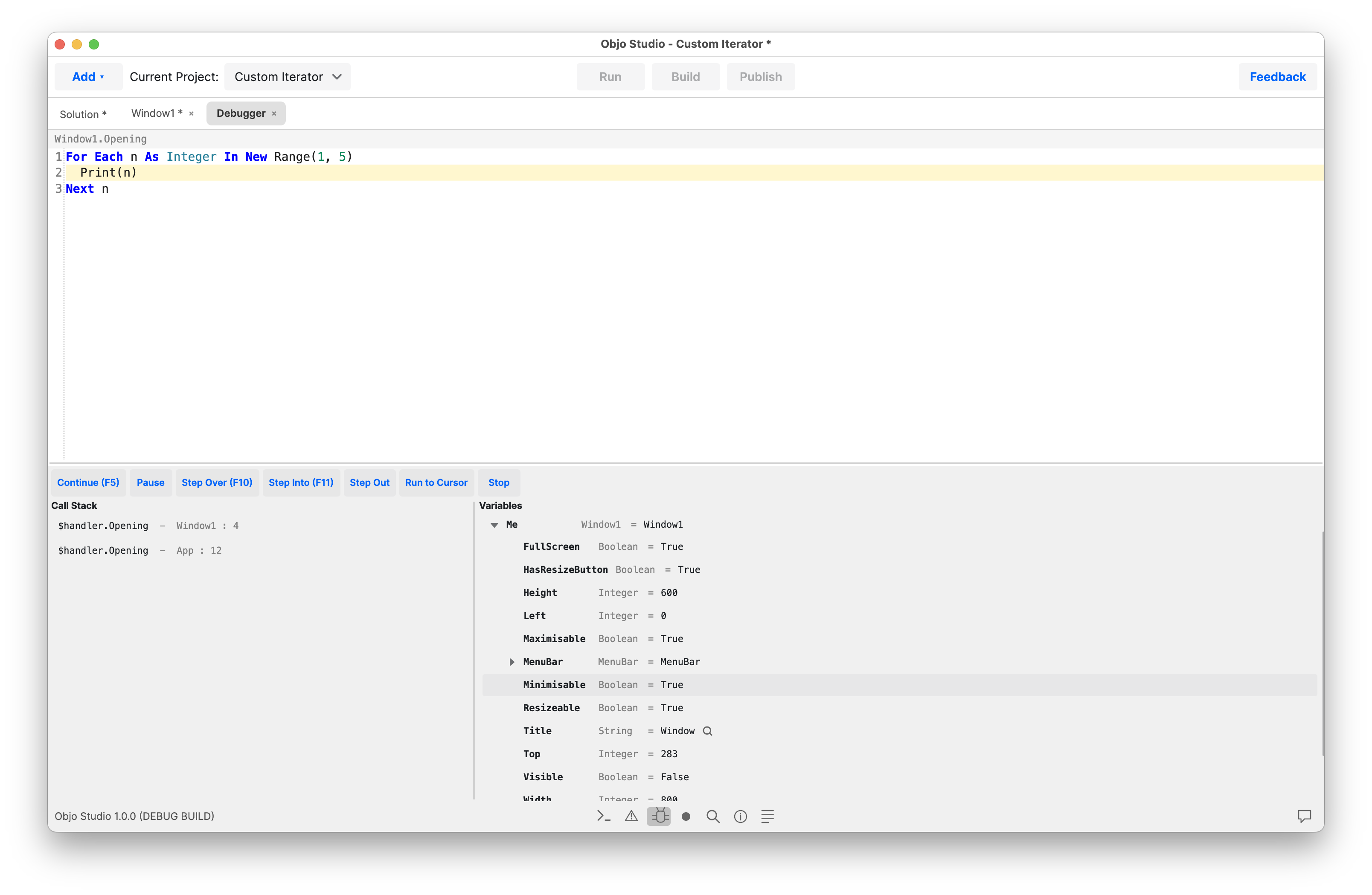
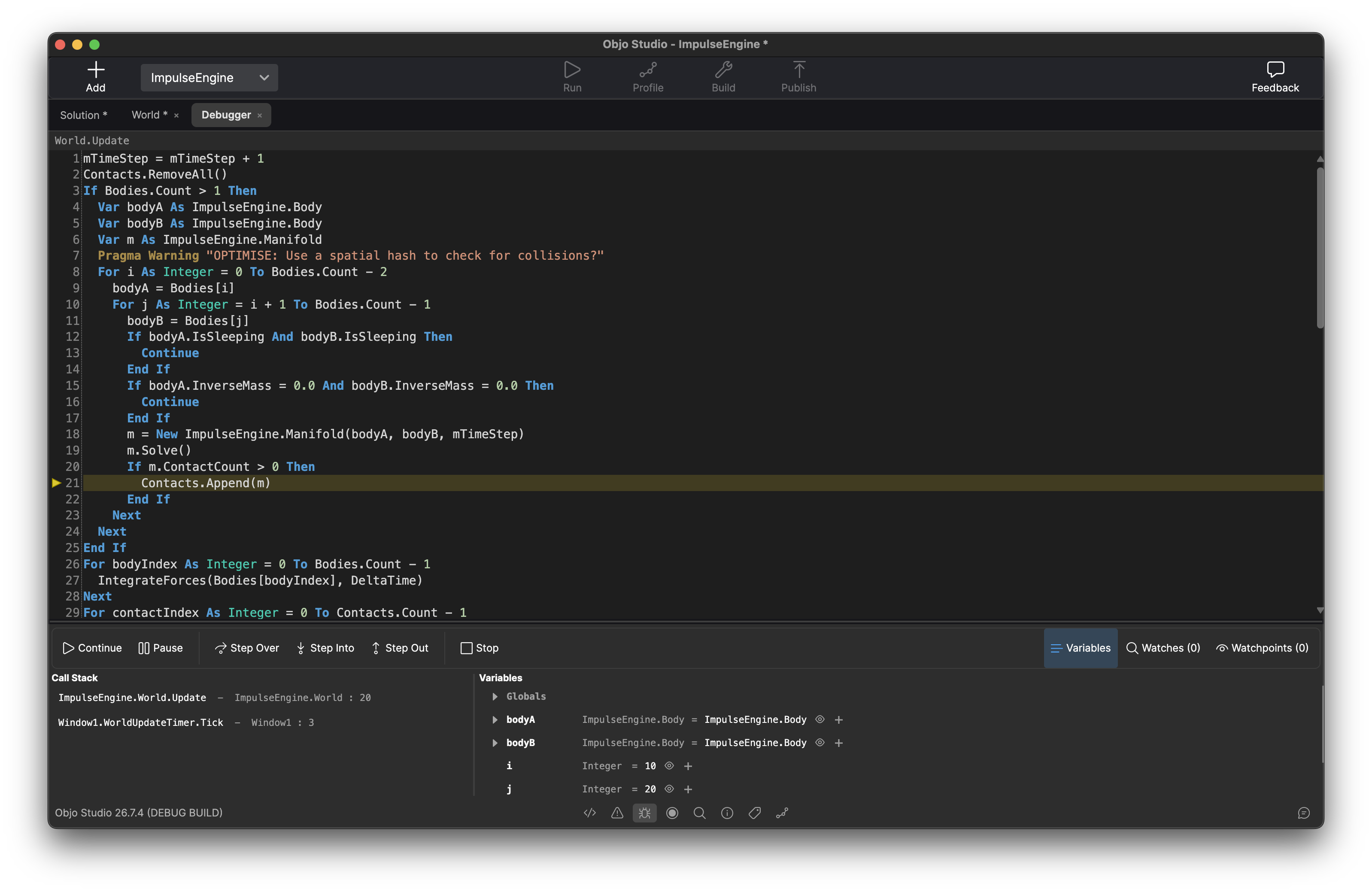
Powerful Debugger
A professional grade debugger. Set breakpoints on any line, add conditions so they only fire when an expression is true, and step through your code with Step Over, Step Into, Step Out or Run to Cursor. Inspect every variable in scope and read the call stack to understand exactly how you got here. Break on exceptions to catch problems the moment they happen.

Cross-Platform
Build for any desktop target from a single codebase: Windows x64 and ARM, macOS Apple Silicon and Intel, Linux x64 and Linux ARM. Develop on any OS and target any OS. Need to debug a Linux app from your Mac? Connect to a remote machine over the network and debug it as if it were running locally.
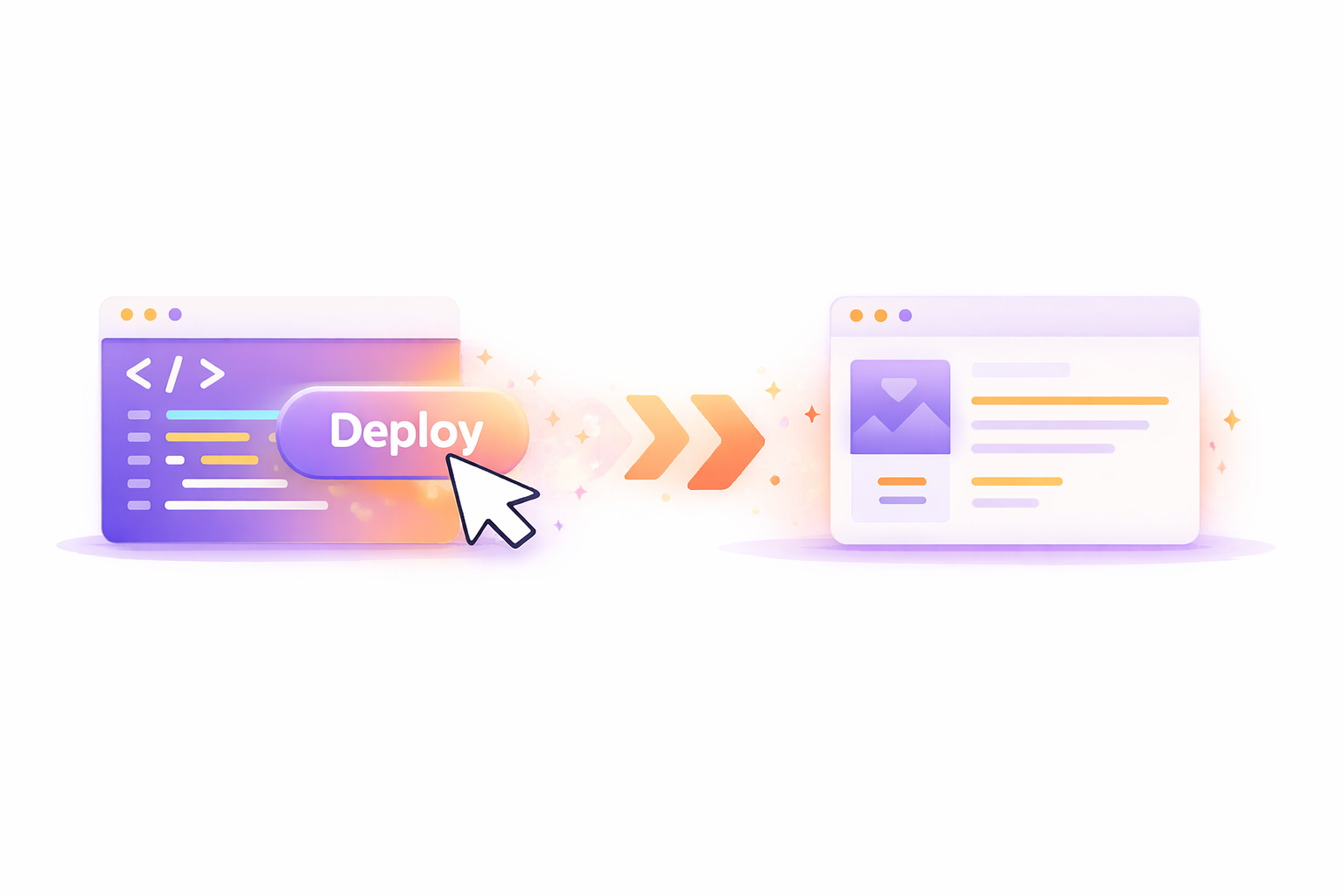
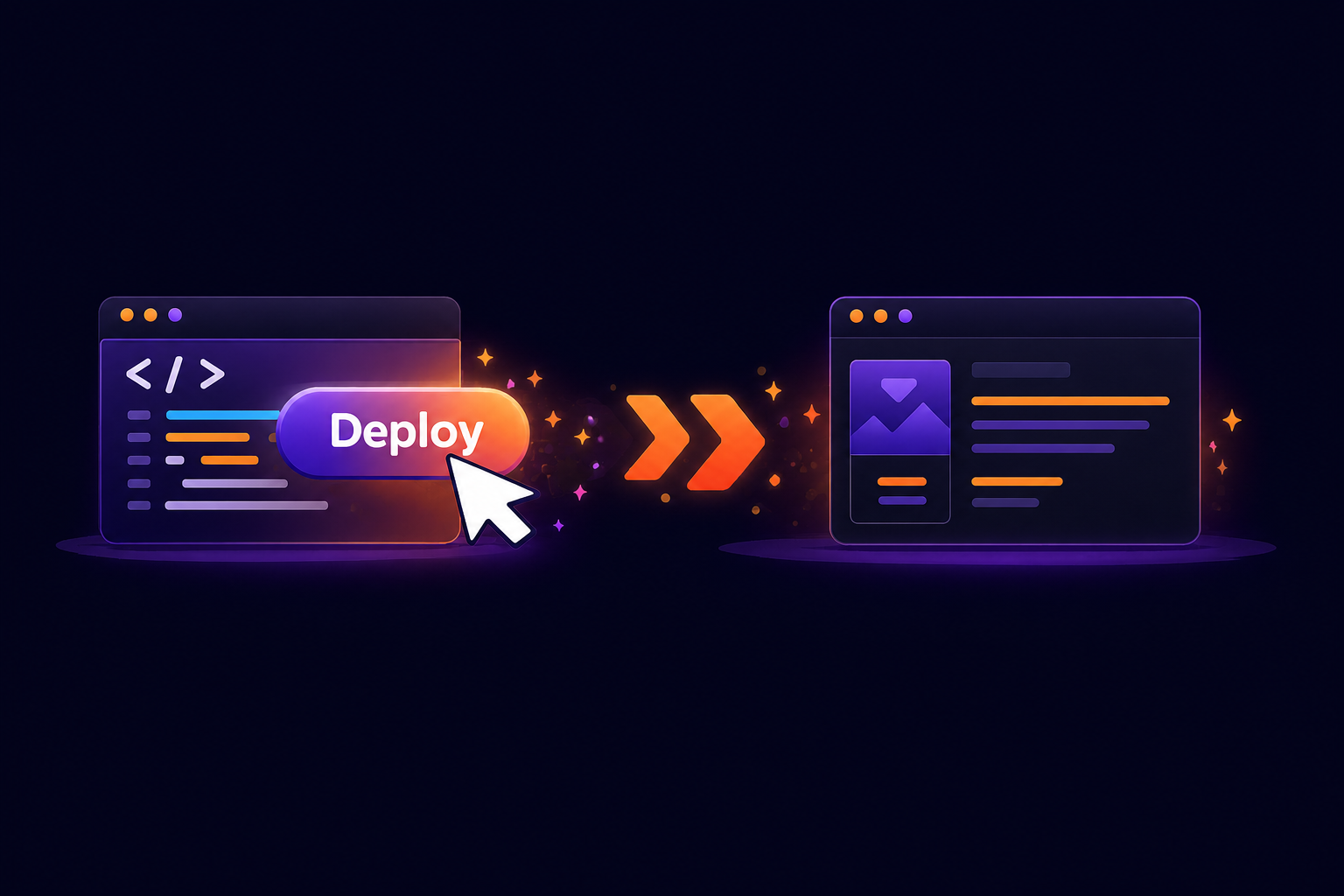
Build Desktop Apps. Publish Web Apps.
Use Build for desktop and command line projects, or Publish for web projects. A published web app is one self-contained server executable for your chosen platform, with no separate .NET runtime to install. Run it on your own server or hosting provider, with HTTPS and process management configured for your deployment.
Class MainWindow Inherits Window

  Event Opening()
    Var greeting As New Label
    greeting.Text = "Hello, World!"
    greeting.Bold = True
    Self.Add(greeting)

    Var btn As New Button
    btn.Text = "Click me"
    btn.Top = 40
    AddHandler btn.Pressed, AddressOf OnButtonPressed
    Self.Add(btn)
  End Event

  Sub OnButtonPressed()
    MessageBox("It works!")
  End Sub

End Class
Easy to Use Language
Objo is a statically typed, object-oriented language with clean BASIC-like syntax. Everything is an object. Define classes with inheritance and interfaces, add properties, methods, events and enumerations. Organise shared code in modules. Write documentation comments and see them surface in autocomplete and hover tooltips throughout the IDE.
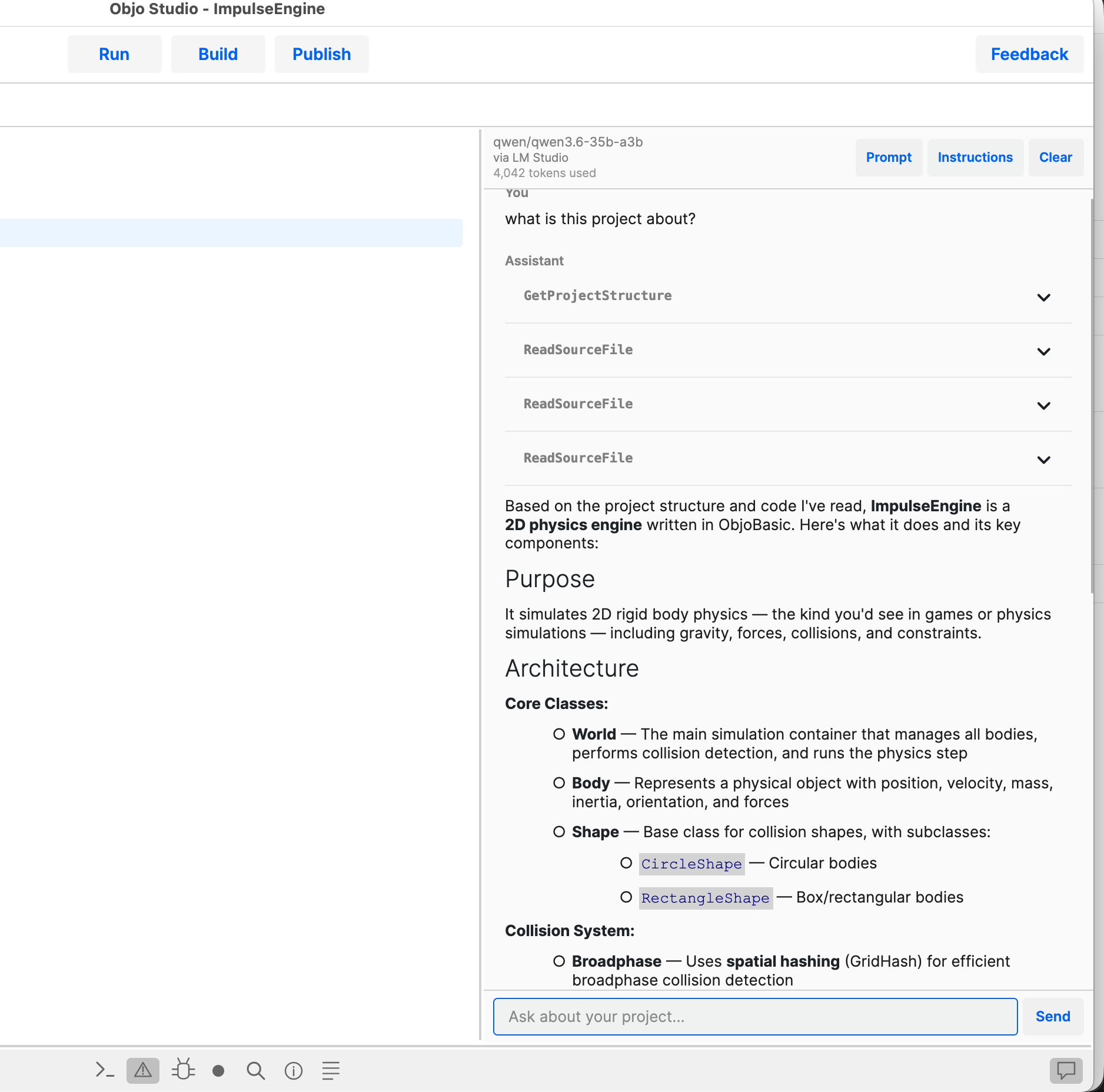
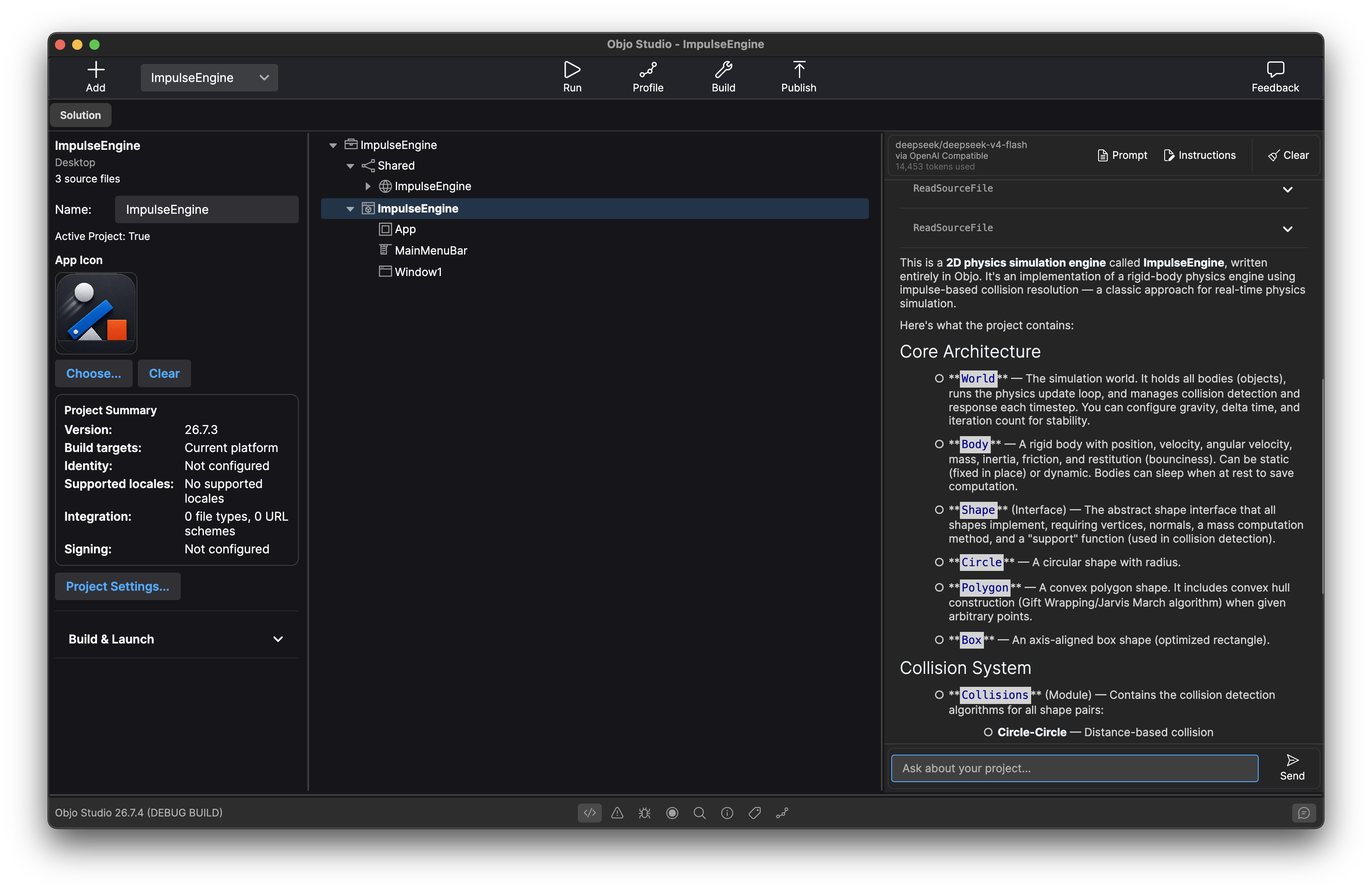
Built-In AI Assistant
Objo Studio integrates with Ollama, LM Studio, OpenAI, Anthropic and Gemini - local or cloud, your choice. The AI can read your project structure, inspect source files, check compilation errors, search your code and even make edits, all through a chat panel in the IDE. Give it per-project instructions to tailor its behaviour. Prefer to work without AI? Just leave it off - it's entirely optional.
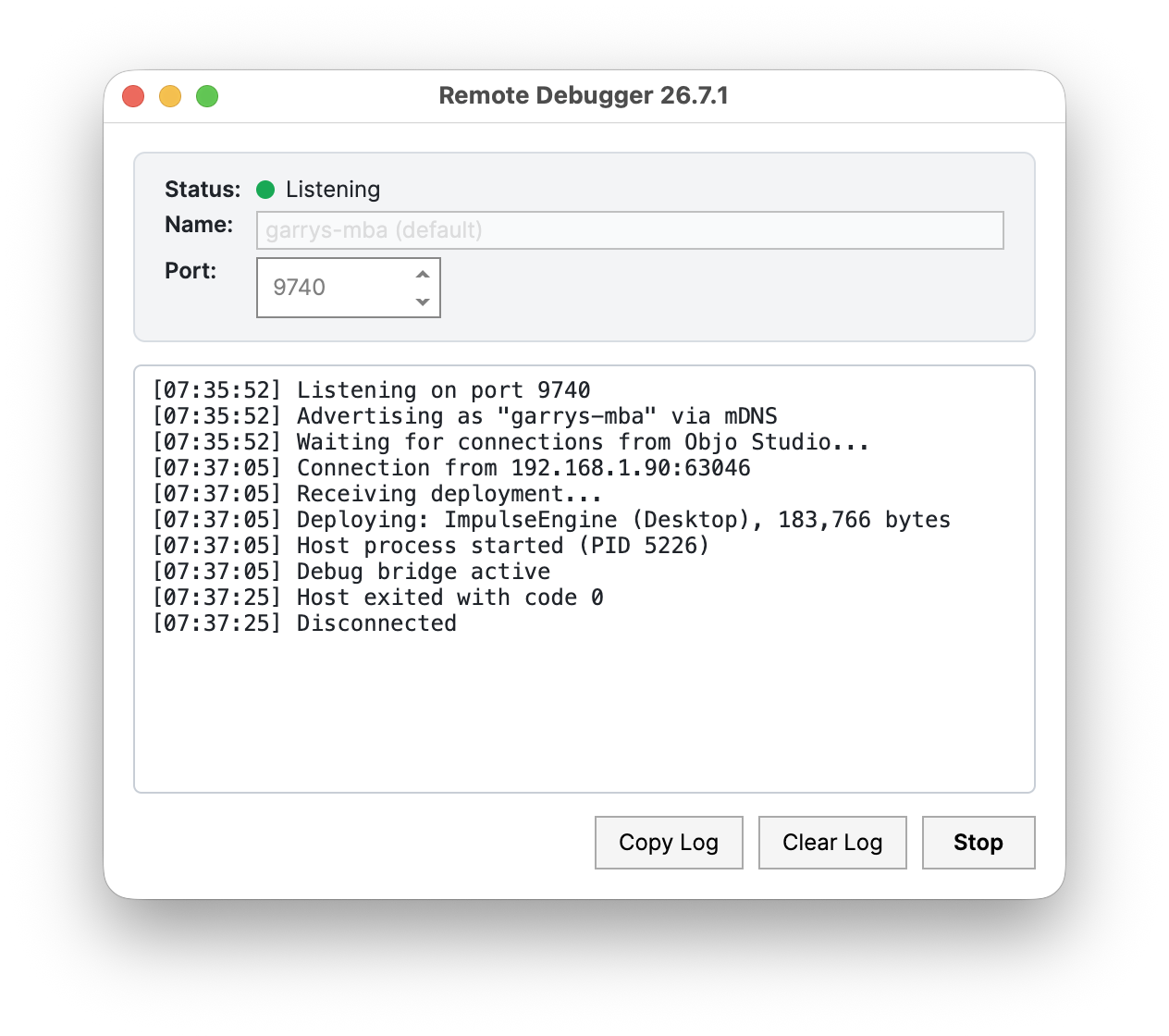
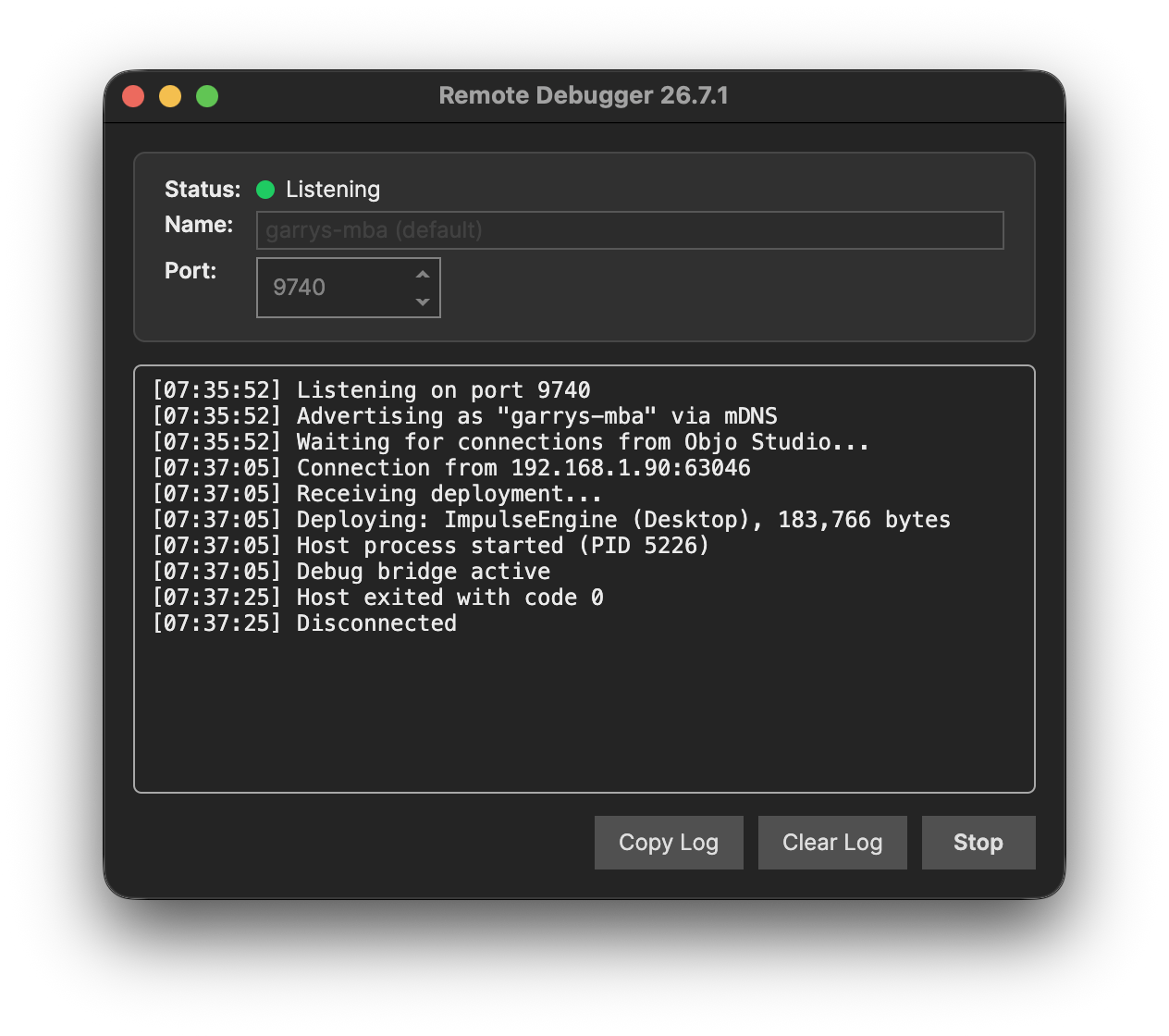
Desktop and Command Line Remote Debugging
Install the Objo remote agent on any machine on your network and it appears automatically via zero-configuration discovery. Deploy your app's bytecode over TCP, attach the debugger, and step through code running on a different OS as if it were local. Debug a Linux server app from your Mac or a Windows desktop app from Linux - full breakpoints, variable inspection and stepping, all over the network. Web projects currently support local server-side debugging in Studio, with one browser session per Debug run.