Physics2D: Box2D written entirely in Objo
I'm pleased to announce the release of Physics2D, my port of the Box2D rigid-body physics engine.
Physics2D brings Box2D to Objo. Crucially, this is not a wrapper around a C library - the entire engine is written in Objo and compiled by Objo Studio.
That makes Physics2D useful in two ways. It's a capable physics engine that you can add to your own applications, but it is also a substantial demonstration of what can be built with Objo.
What does Physics2D do?
Physics2D simulates two-dimensional rigid bodies. It handles the movement and interaction of objects according to properties such as gravity, mass, friction, restitution and applied forces.
The engine supports:
- Static, kinematic and dynamic bodies
- Circles, capsules, segments, convex polygons and terrain chains
- Collision detection and response
- Friction, restitution and rolling resistance
- Distance, mouse, motor, revolute, prismatic, weld and wheel joints
- Collision filtering and sensors
- Contact, hit, sensor and body-movement events
- Ray casts, overlap queries and shape casts
- Continuous collision detection for fast-moving objects
- Sleeping, constraint solving and deterministic simulation
- Configurable debug drawing
These features make it suitable for games, simulations, interactive visualisations, educational software and any application that needs objects to move and collide convincingly.
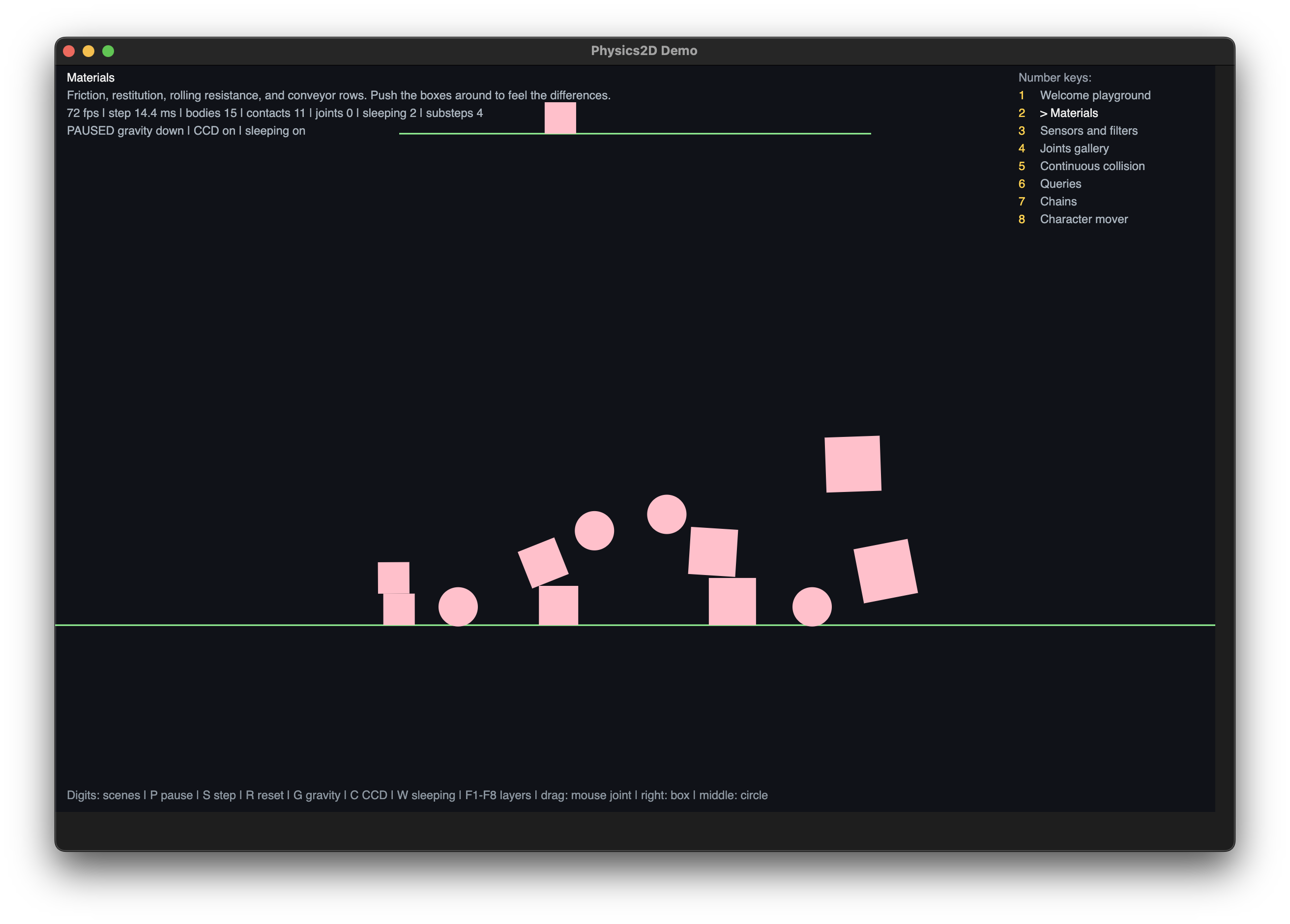
The repository includes an interactive desktop demo with scenes covering the different shape types, materials, joints, sensors, collision filtering, continuous collision detection, terrain chains, spatial queries and character movement.
Built for performance
Physics2D has been designed carefully for performance. Box2D’s original C implementation will naturally have an advantage in raw execution speed, but Physics2D demonstrates that complex, performance-sensitive software can be implemented directly in Objo without abandoning readable, approachable code. It is exactly the kind of project I hoped Objo would make possible.
Getting started
Physics2D requires Objo Studio 26.8.6 or later.
Clone or download the Physics2D repository and open Physics2D.objosln in Objo Studio. You can explore the source, run the test suite and launch the included desktop demo from there.
To use Physics2D in another solution, copy the entire Physics2D module from the repository’s Shared Code into your solution’s Shared Code. Then import it wherever it is needed:
Import Physics2D
Here is a complete example that creates some static ground and drops a dynamic box onto it:
Import Physics2D

Class App Inherits CommandLineApplication

Event Run(args() As String) As Integer
Pragma Unused args

Var world As World = World.WithGravity(New Vector2(0.0, -10.0))

Var groundDef As New BodyDefinition()
groundDef.Type = BodyType.StaticBody

Var ground As Body = world.CreateBody(groundDef)
ground.CreateSegment(
  New ShapeDefinition(),
  New Segment(-10.0, 0.0, 10.0, 0.0)
)

Var boxDef As New BodyDefinition()
boxDef.Type = BodyType.DynamicBody
boxDef.Position = New Vector2(0.0, 8.0)

Var box As Body = world.CreateBody(boxDef)
box.CreatePolygon(
  New ShapeDefinition(),
  Polygon.MakeBox(0.5, 0.5)
)

For i As Integer = 1 To 120
  world.StepWorld(1.0 / 60.0)
Next

Print("Box settled at y = " + box.GetPosition().Y.ToString())

Return 0
End Event

End Class
Physics2D uses metres, kilograms, seconds and radians. For real-time applications, the world should be advanced using a fixed timestep—normally 1.0 / 60.0 seconds—with an accumulator in your application’s update loop.
The repository contains a getting-started guide, a detailed API reference, architecture documentation and the complete demo source.
Available now
Physics2D is open source under the MIT licence and is available now on GitHub:
github.com/ObjoStudio/Physics2D
I'm excited to see what people build with it and just as excited by what it says about Objo itself. A complete modern physics engine is a demanding project, and having one written entirely in Objo is a significant milestone for the language.
Go and make something move, bounce or fall over 😀