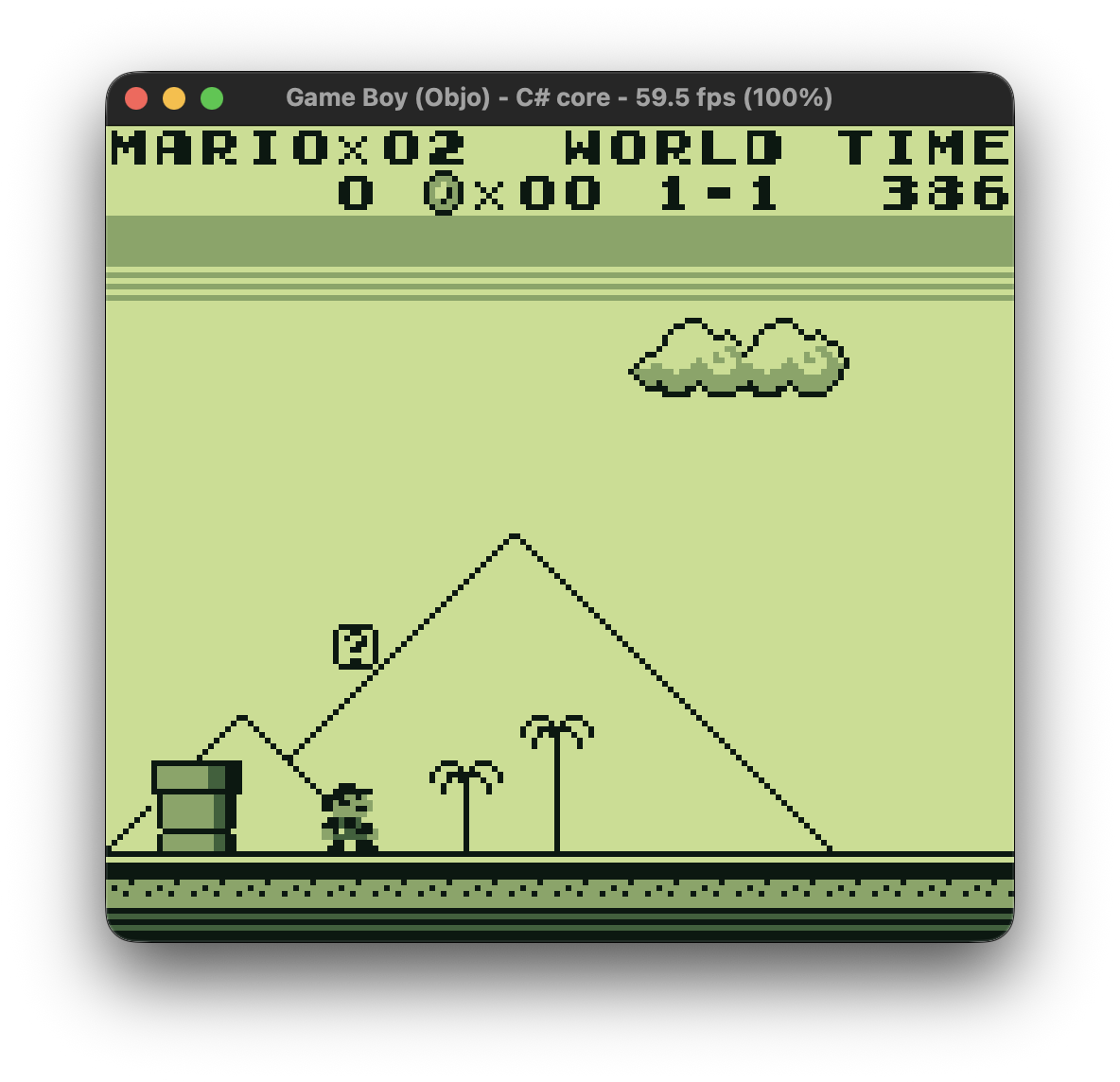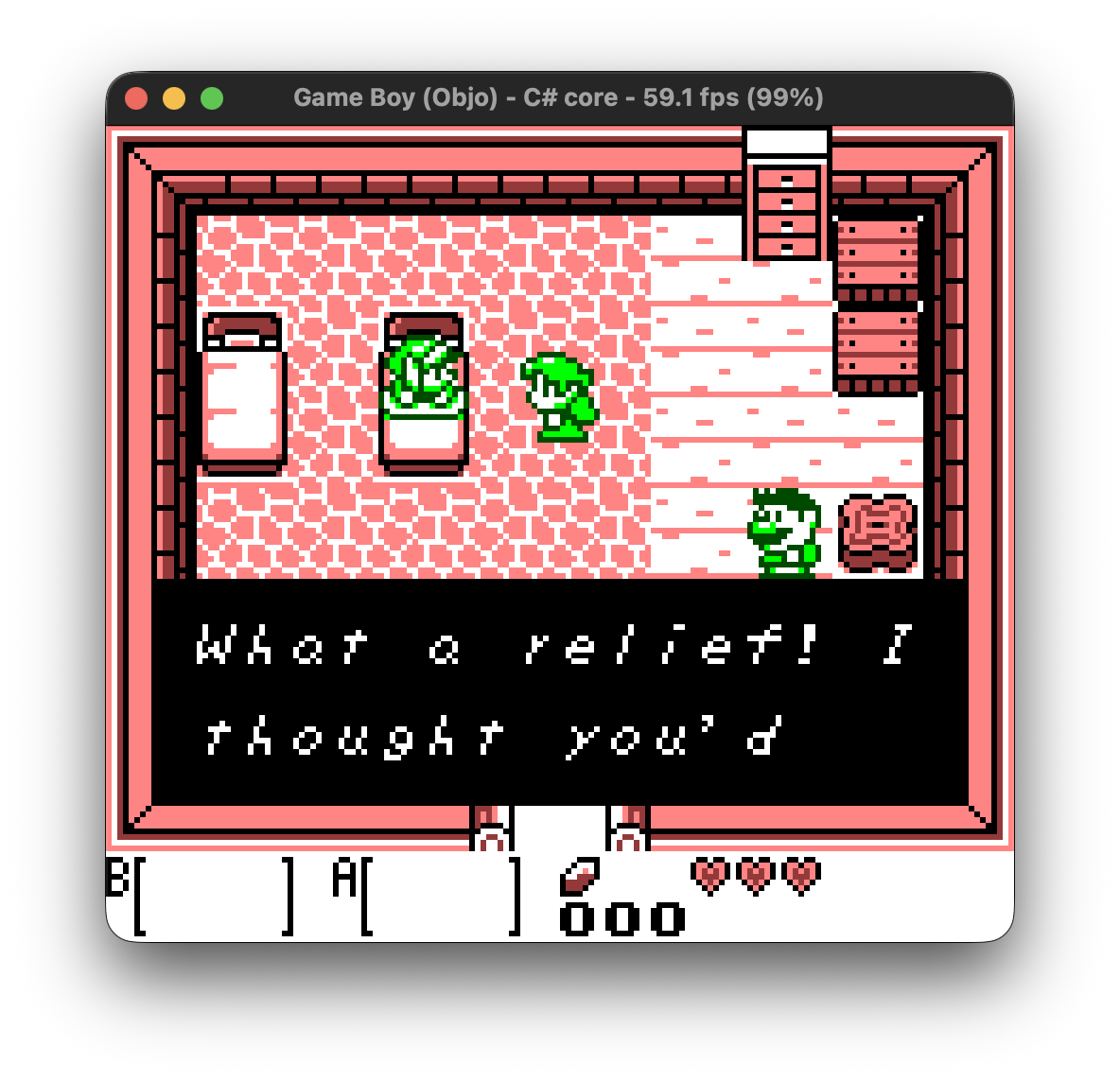
A complete Game Boy and Game Boy Color emulator for the desktop, built in Objo
Studio by community user @madru. It plays original cartridges and Game Boy Color games with sound on macOS, Windows and Linux, straight from the IDE you already use to build Objo apps.
Highlights
- Game Boy and Game Boy Color emulation. Colour games run in full colour, and original cartridges can be colourised with the Game Boy Color's twelve built-in palettes, chosen automatically by title or by hand.
- Sound everywhere. Emulation audio streams through Objo's AudioOutput API on macOS, Windows and Linux.
- Two cores, one app. The emulator ships with both a core written in pure Objo and a full-speed core built as a C# plugin with the Objo Plugin SDK. Switch between them from the Emulation menu and compare them yourself.
- Tools for playing and tinkering. Save states, automatic in-game battery saves, fast forward up to 4x speed, Game Genie and GameShark style cheat codes, and a memory search window for finding your own.
- Built to be read. The whole app is ordinary Objo source: canvas rendering, timing, menus, cheat parsing and the pure-Objo core are all in the box, ready to open, run and debug for free in Objo Studio.
Requirements
- Objo Studio 26.10.1 or newer.
- The free Game Boy Core plugin (org.madru.gameboy 1.13.0). When you first open the project, Studio tells you exactly which package is missing.
- Your own ROM files. None are included.
Getting started
- Download the .objo file below and open it in Objo Studio.
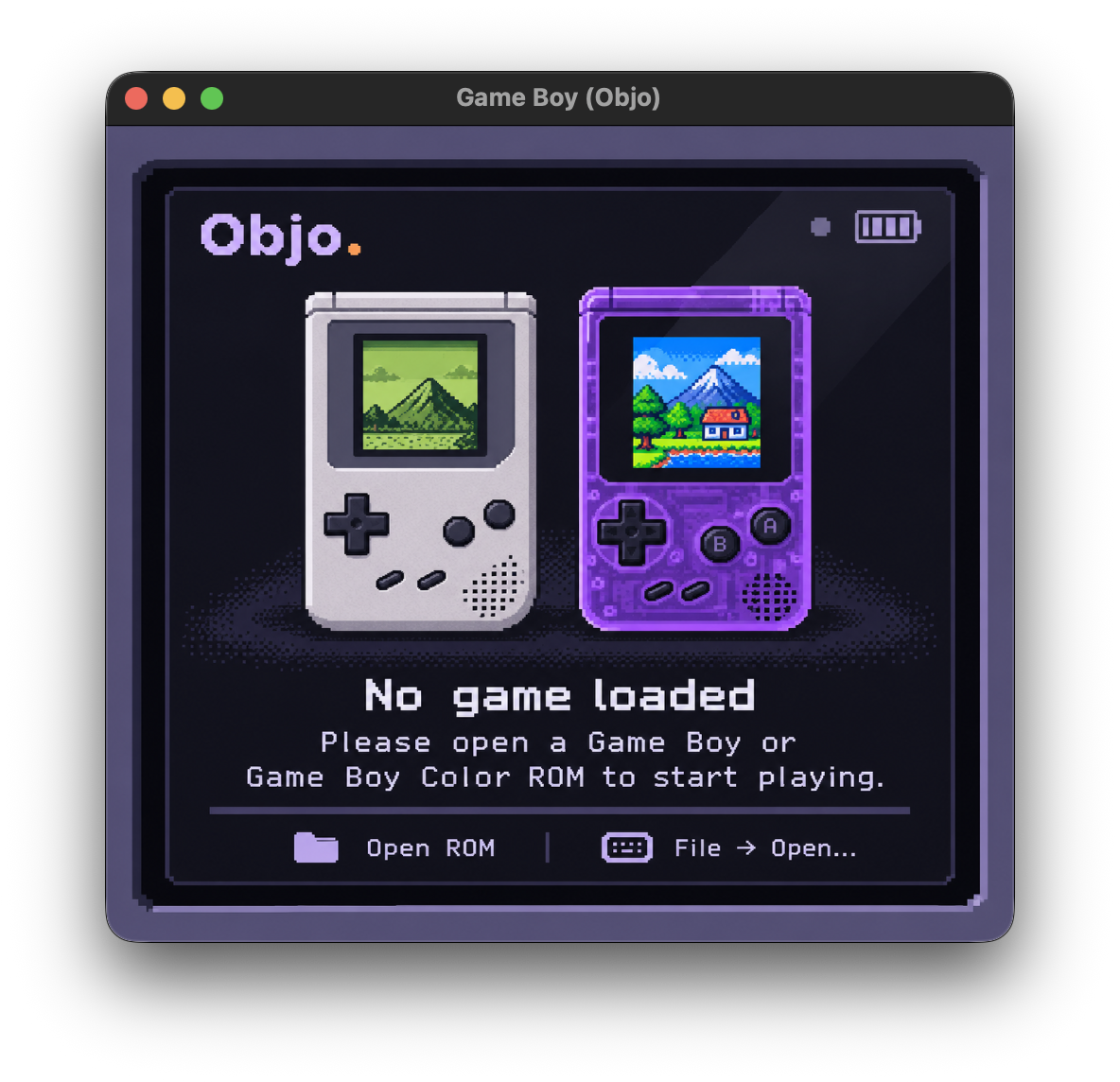
- Press Run, then choose File > Open and pick a Game Boy ROM (.gb or .gbc).
- Play: arrows are the D-pad,
XisA,ZisB,AisSelect, andSorReturnisStart. HoldSpace, or toggle Emulation > Fast Forward, for up to 4x speed and Emulation > Sound to mute.
About
Game Boy is made by @madru. The emulation core is also available as a standalone plugin in this showcase, ready to drop into your own projects.