ObjoModbus 1.1.0 brings Modbus TCP and RTU communication to your Objo projects. Connect over TCP, a serial port or a serial-to-Ethernet gateway to read device data, write values and build monitoring or control tools.
The download includes the reusable library, ModbusTester desktop application, ModbusCli command-line tool and a Python simulator. It uses Objo’s built-in networking and serial APIs, so no plugin installation is needed.
- Choose your transport. Use Modbus TCP, RTU over TCP or RTU over a serial connection through a common asynchronous API.
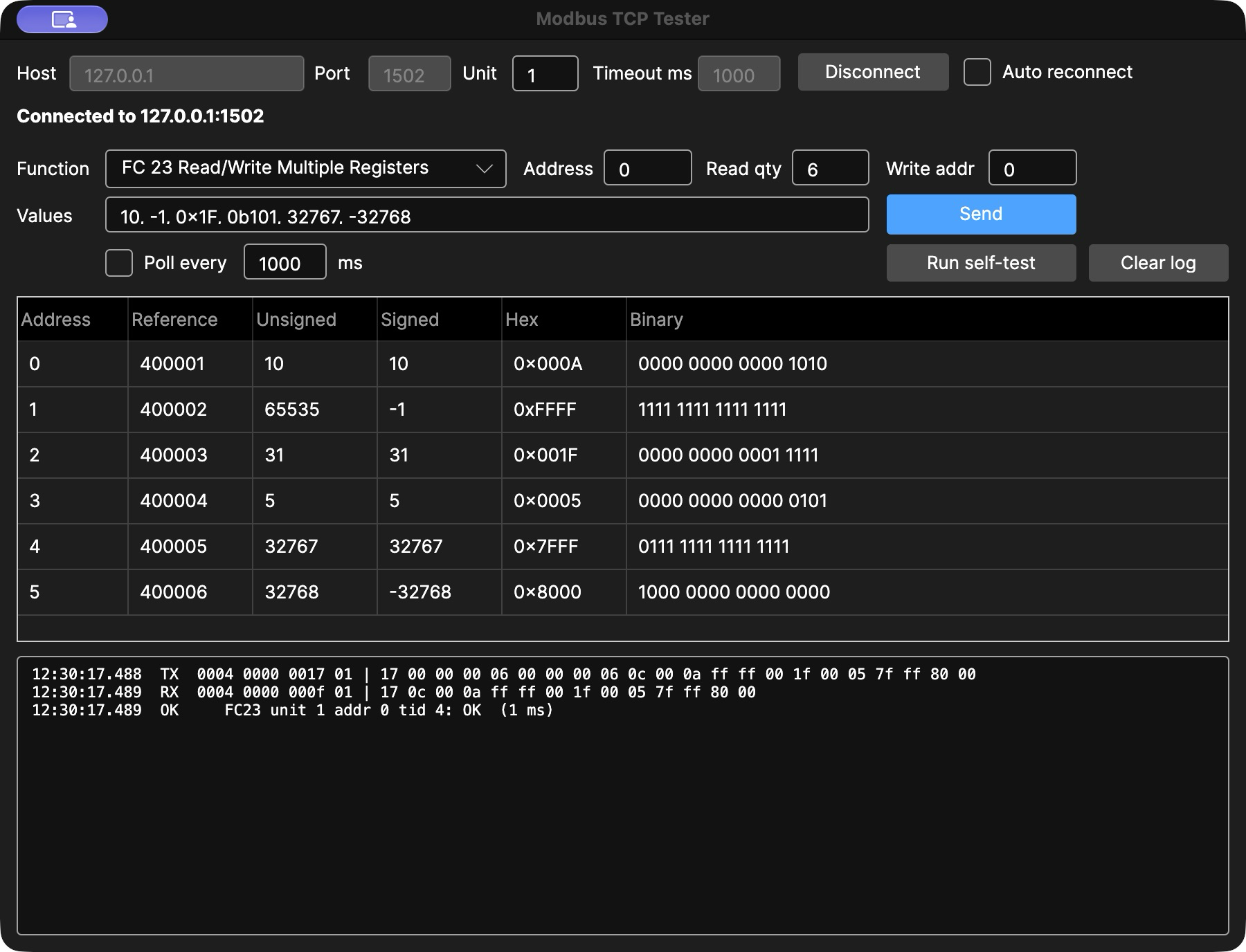
- Read and write device data. Supports function codes 1, 2, 3, 4, 5, 6, 15, 16 and 23, including combined register reads and writes.
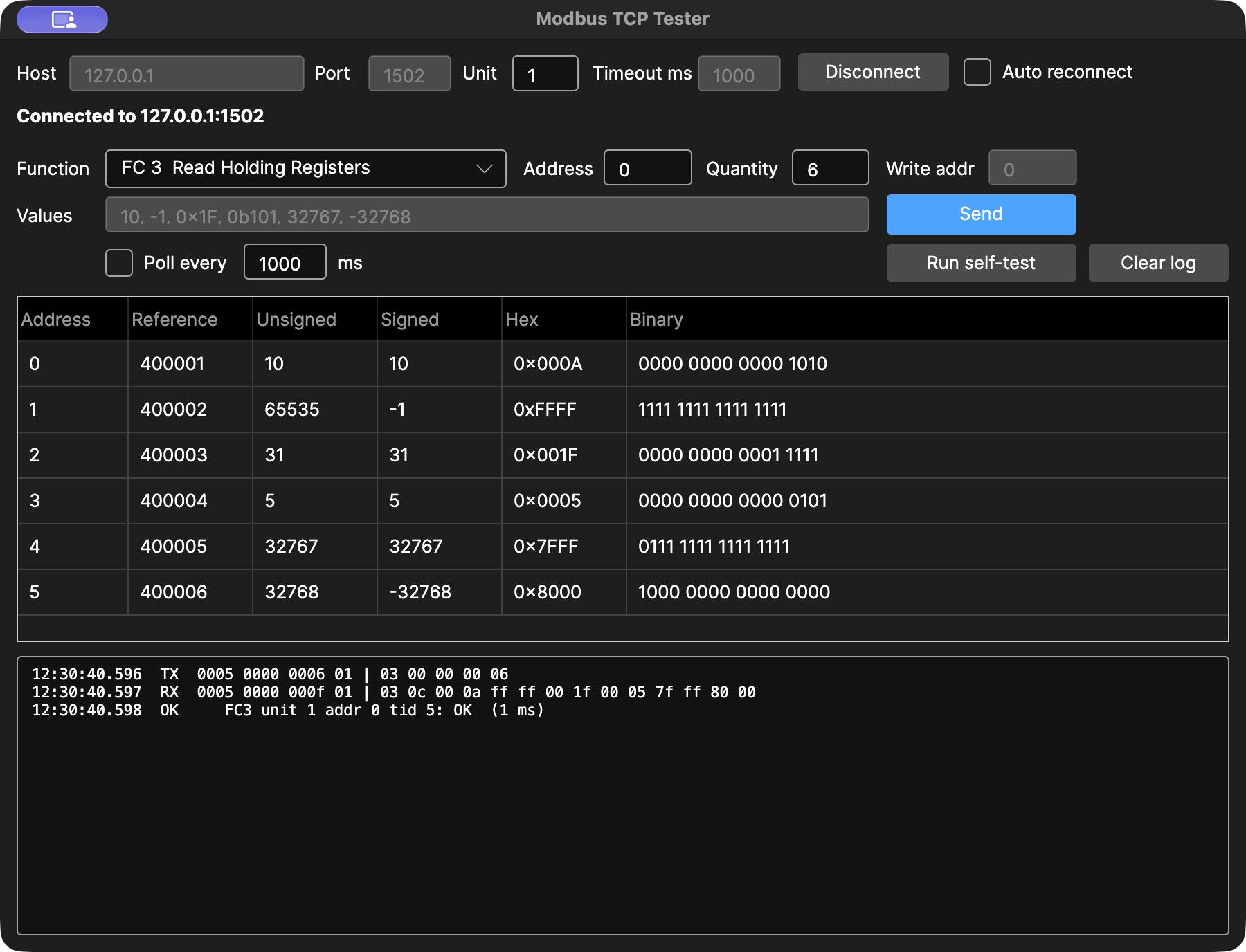
- Explore devices visually. Choose a transport, configure connection and serial settings, poll values and inspect results in signed, unsigned, hexadecimal and binary formats.
- Inspect communication. View raw transmitted and received frames. RTU responses include CRC and device-address validation, with support for broadcast writes.
- Handle connection problems. Configure timeouts and automatic reconnect, with queued requests and response validation.
- Work from the command line. List serial ports, connect using any supported transport, run offline checks or exercise supported functions against a simulator or test device.
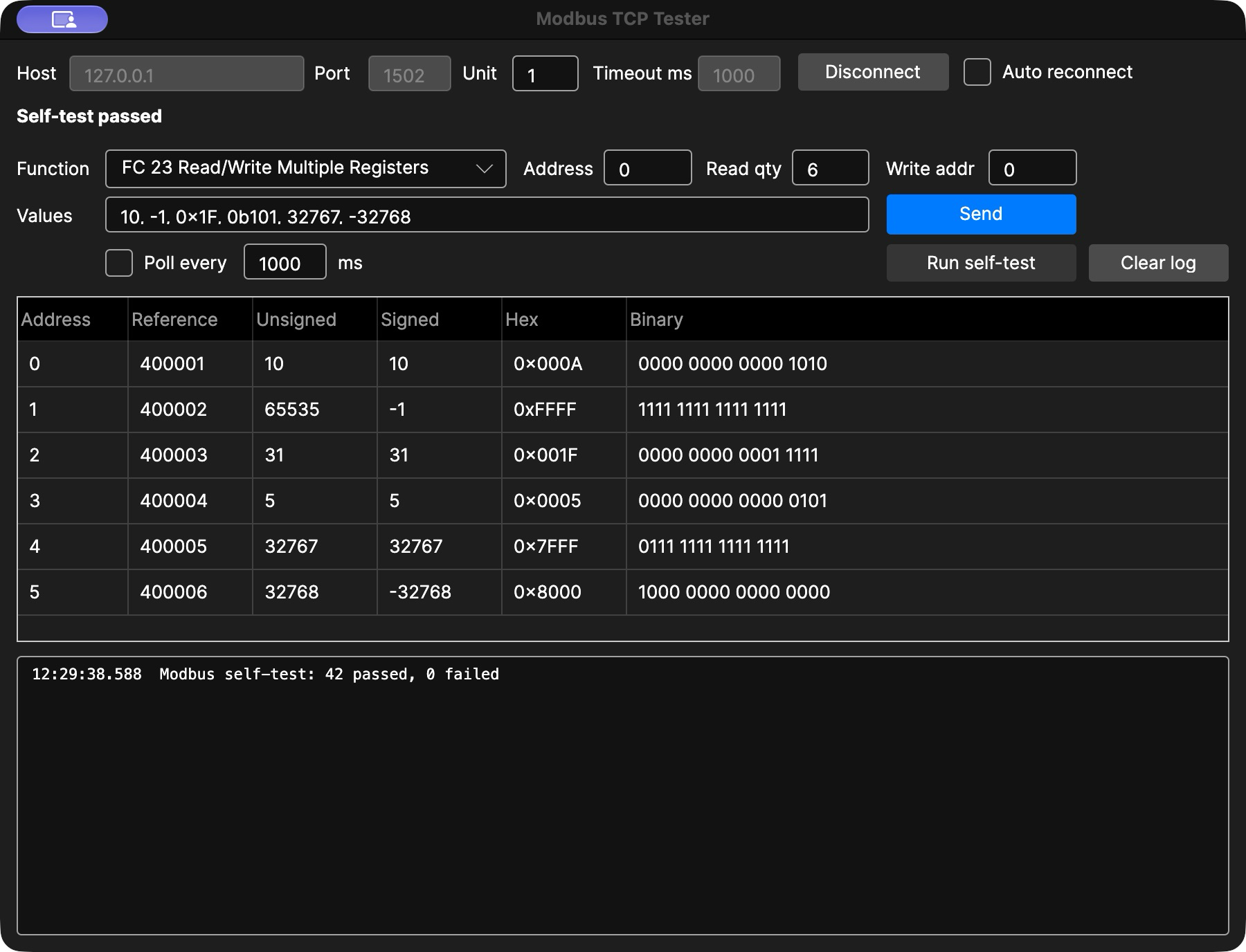
- Try it without hardware. The Python simulator supports TCP, RTU over TCP and virtual serial connections, plus delayed responses and invalid CRCs for testing error handling. The offline self-test contains 57 checks.
Version 1.1.0 has been tested against simulators using all three transports, including RTU over a pseudo-terminal. It has not yet been tested on a real RS-485 line.
Written and maintained by @madru. See the 1.1.0 announcement for release details.