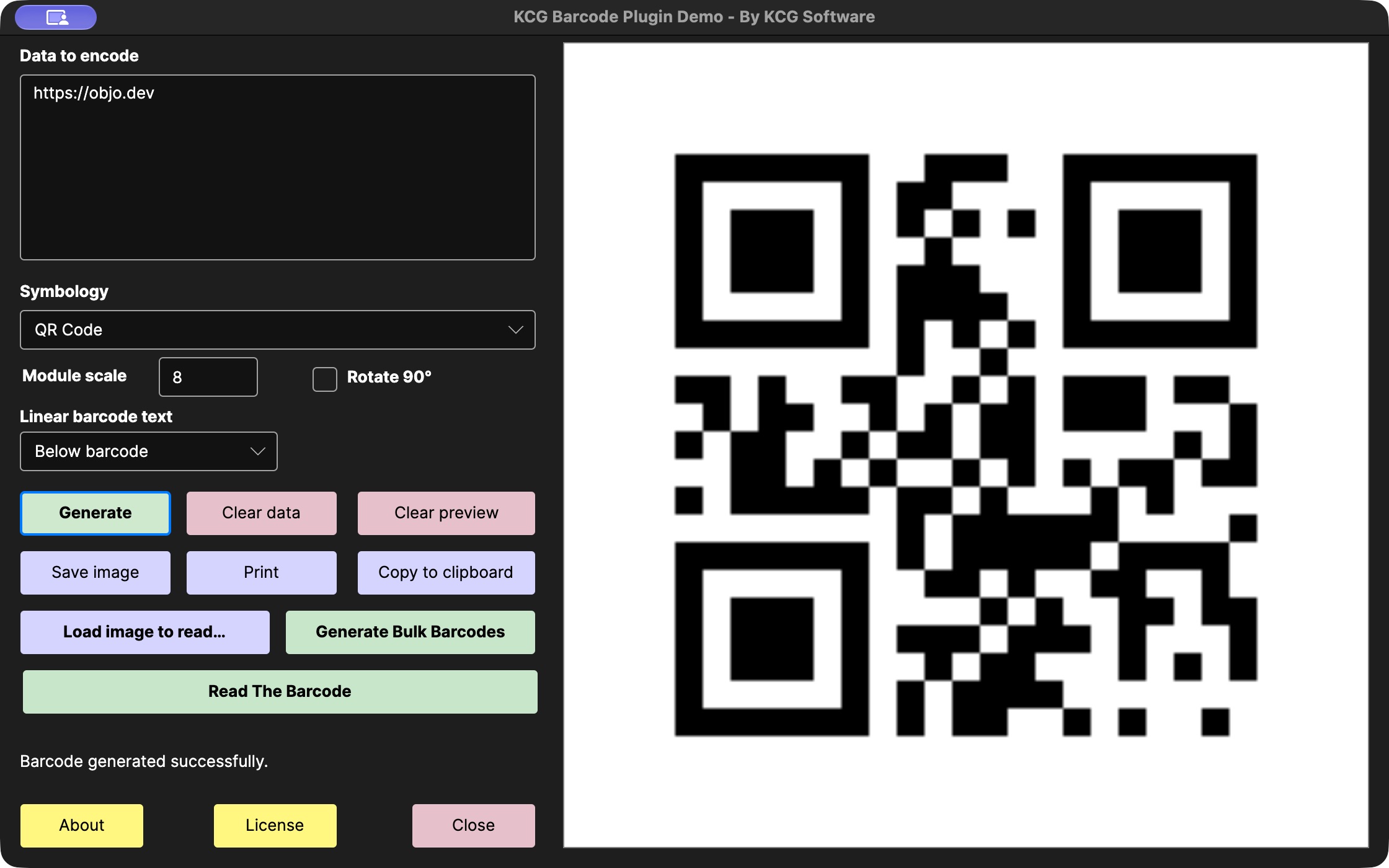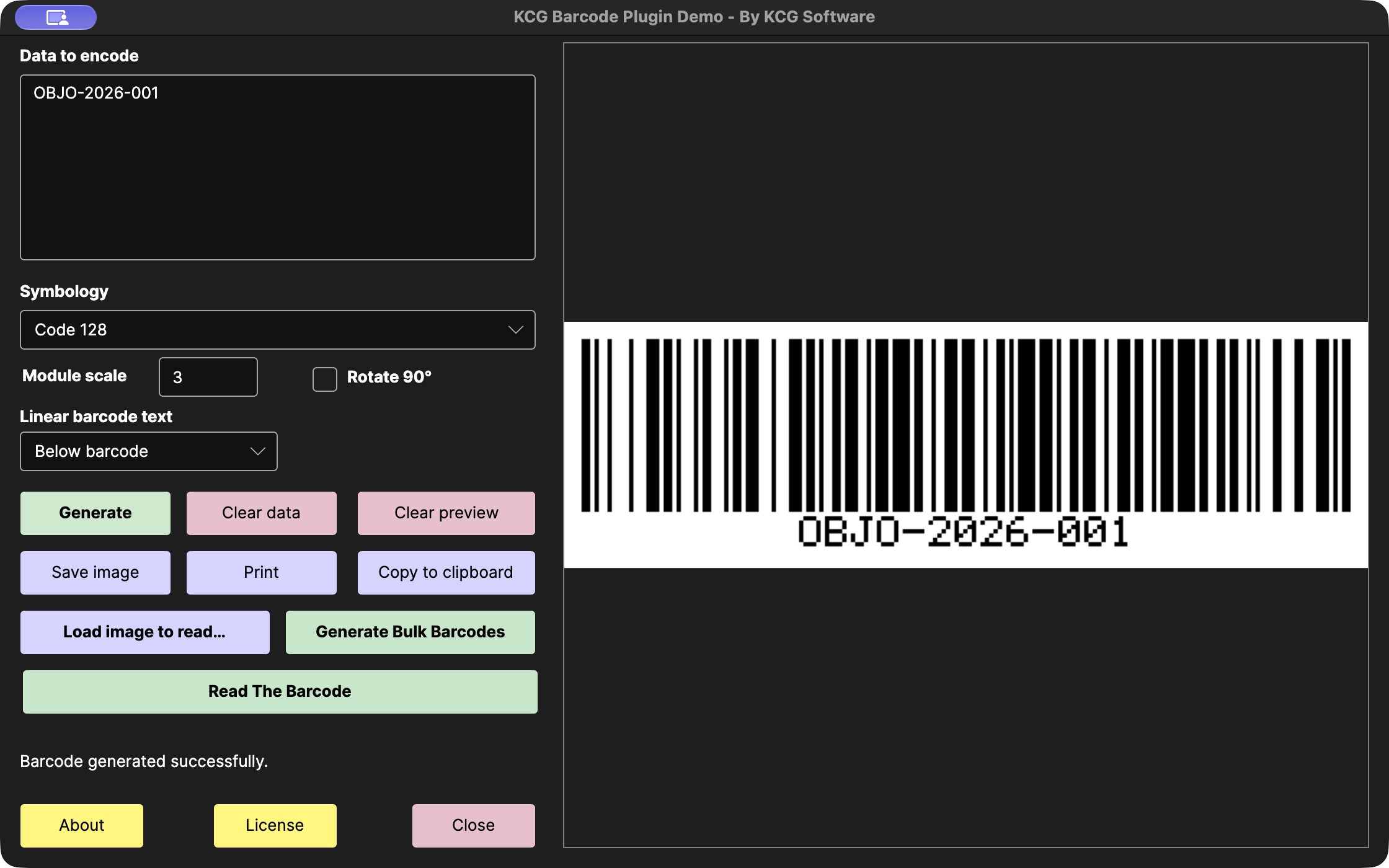
KCG Barcode adds barcode generation and image-based reading to Objo desktop projects on Windows, macOS and Linux.
Generate 79 barcode symbologies, including Code 128, EAN/UPC, QR Code, Data Matrix, Aztec and PDF417. Read common 1D and 2D barcode formats from images, with the decoded text and barcode type returned to your application.
Choose module scale, label position and 90-degree rotation, and export generated barcodes as PNG, SVG or PDF. The included Objo demo source shows barcode previews, image loading and reading, printing, clipboard copying and batch generation from text files.
The download includes the plugin, demo source and documentation. Both the plugin and demo are free and MIT-licensed.