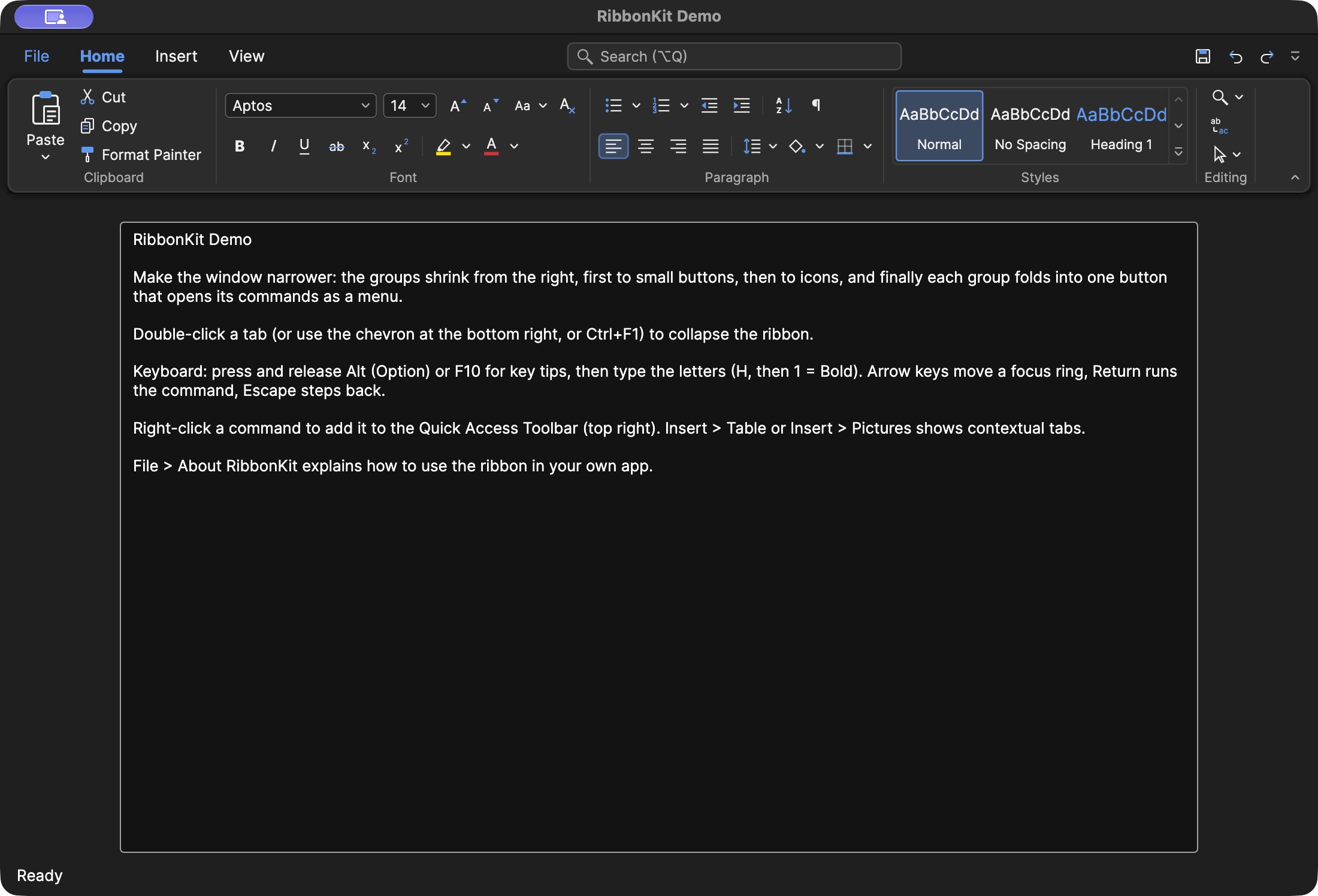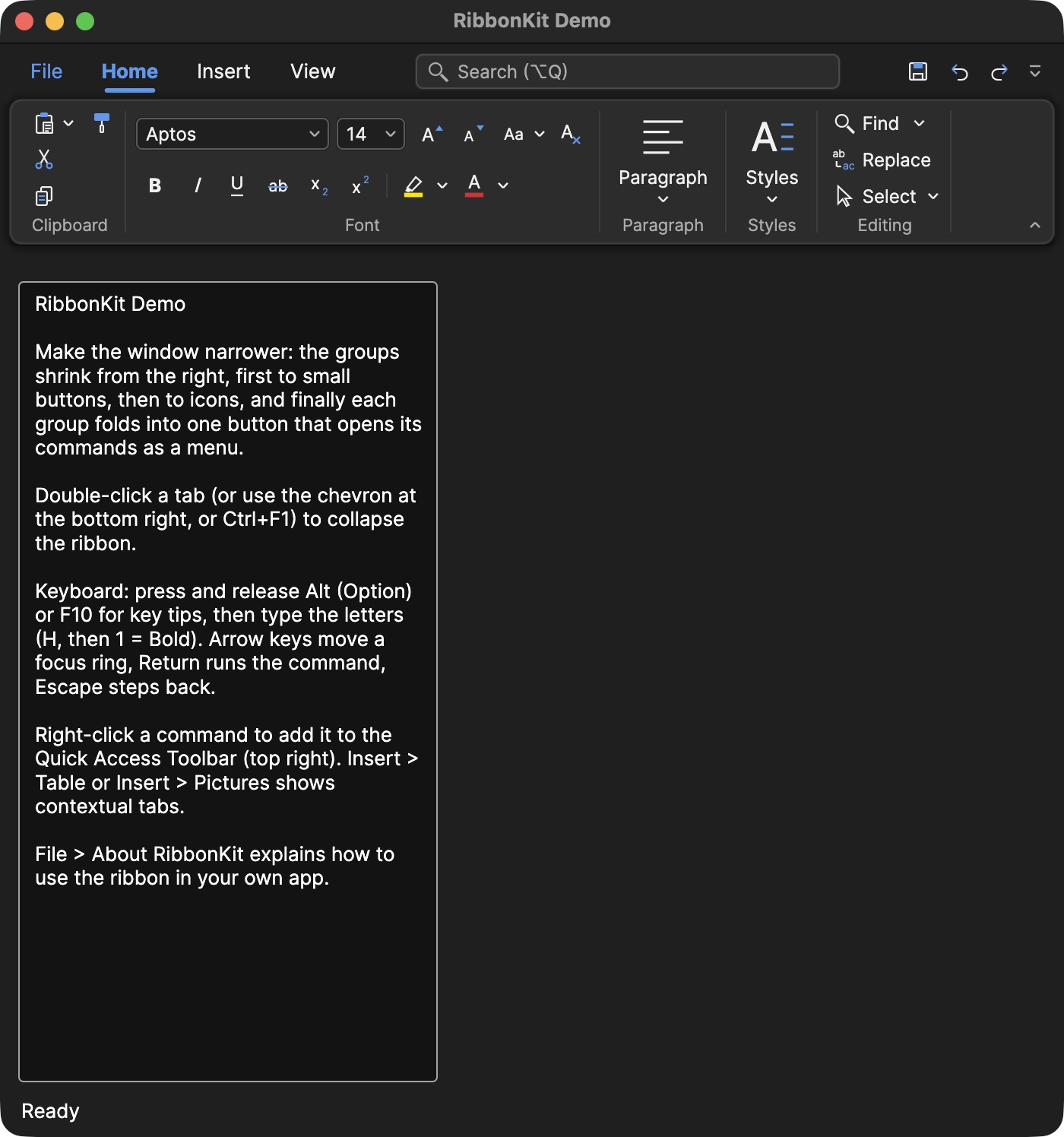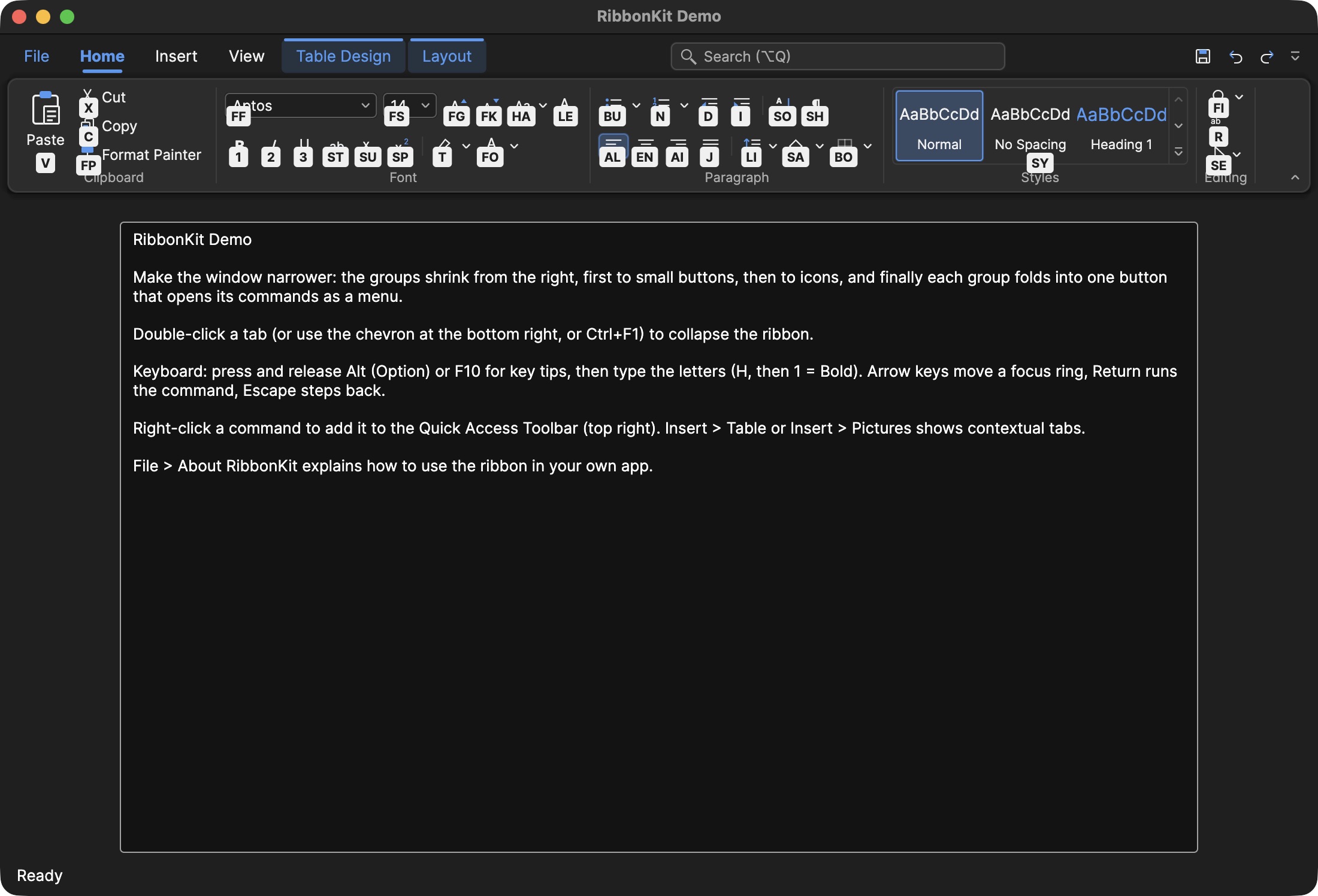
RibbonKit is a ribbon control written entirely in Objo. Place it in the Window Designer and organise your app’s commands into tabs and groups with buttons, toggles, dropdowns, split buttons and galleries. As the window narrows, groups switch to smaller buttons, then icons, and finally collapse into a single button.
Give users quick access to commands with a Quick Access Toolbar, contextual tabs, keyboard KeyTips and Alt+Q command search. RibbonKit supports light and dark modes and includes around 60 vector icons. You can also use your own PNG or SVG images.
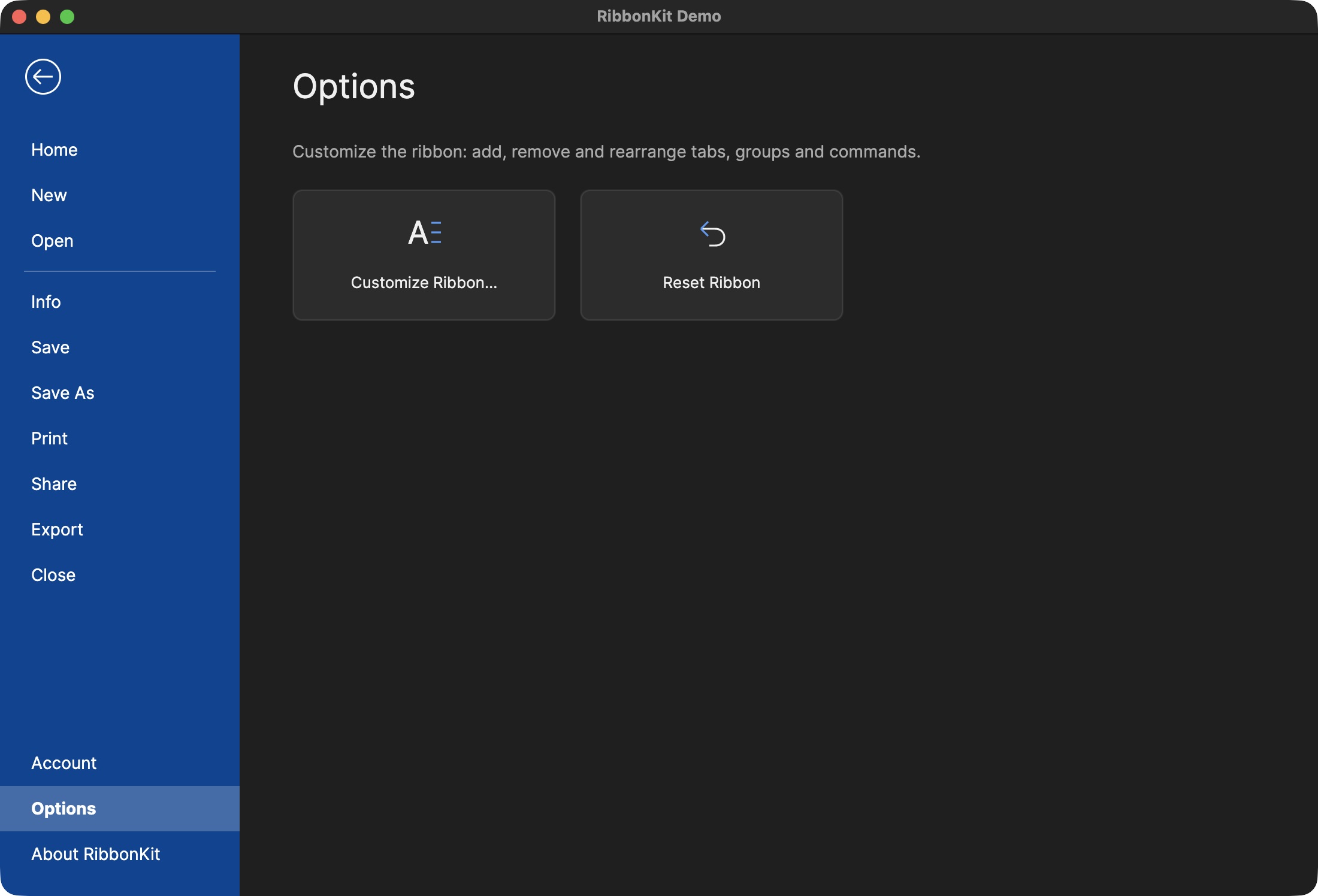
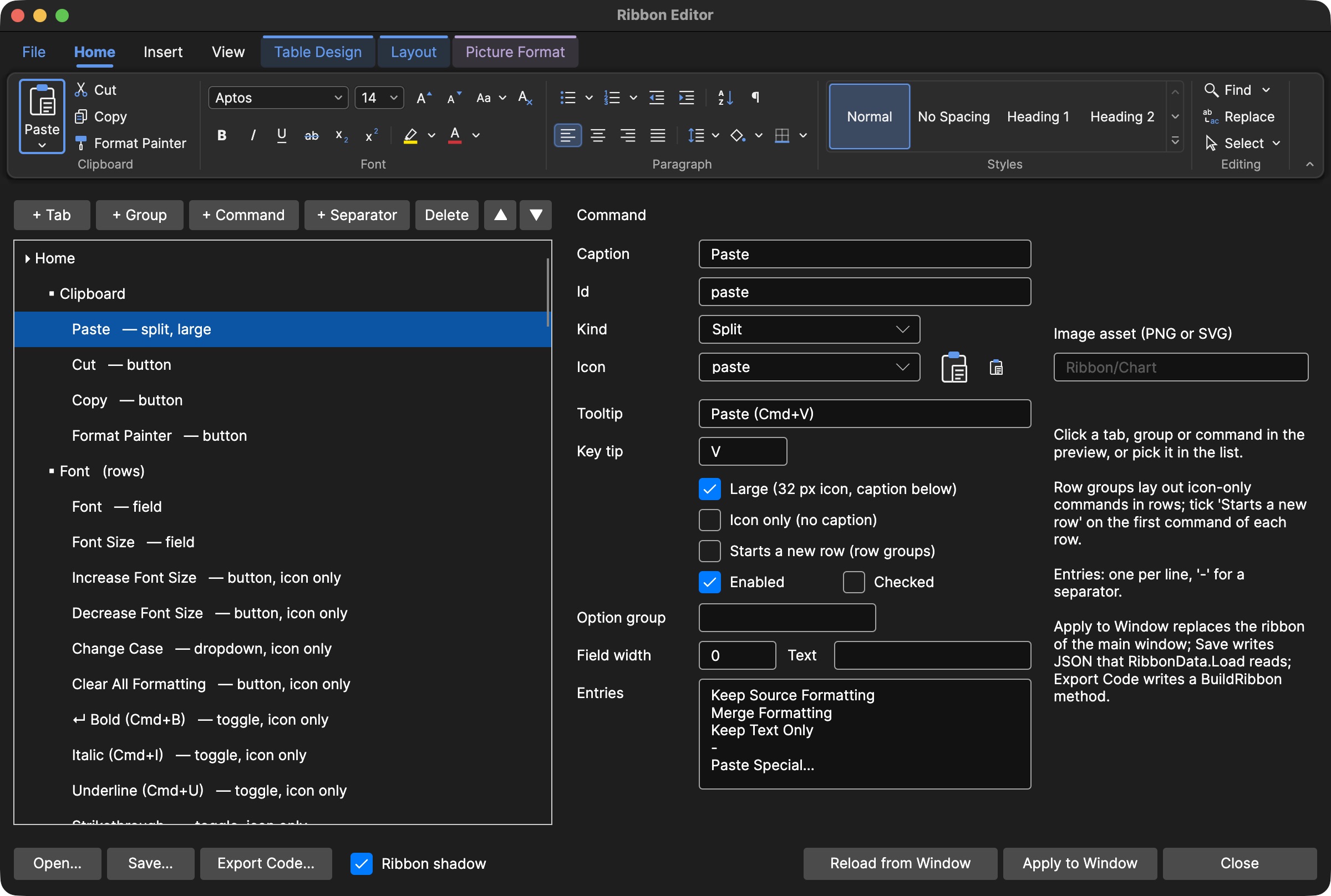
An optional File backstage page gives file commands their own view. The included Ribbon Editor lets you build a ribbon with a live preview and export it as JSON or Objo code.
Run the included demo to try it, then copy the Ribbon folder into your own solution. RibbonKit requires Objo Studio 26.11.8 or later and was developed and tested on macOS. It’s free for private, educational and non-commercial use. Contact @madru on the forum for a commercial licence.